We are 1stWebDesigner and we’re on a mission to help you build a better web. Our team produces content created by web design professionals, for web design professionals.
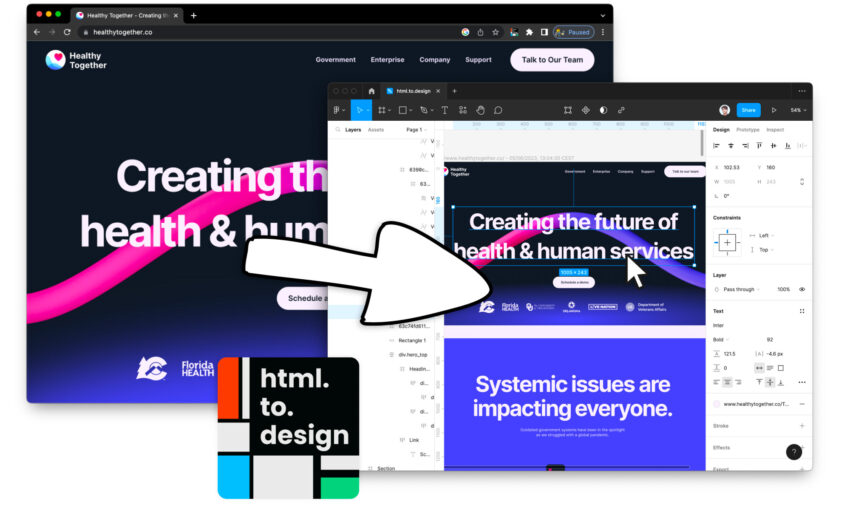
We’ve all been there: Manually recreating website designs in Figma, desktops cluttered with screenshots for benchmarking, improving web copy without design context…
But what if there was a way to…
More and more users prefer browsing websites in dark mode to reduce eye strain and save battery life. To provide the best user experience, it’s helpful to implement an automatic…
One of the most important aspects of web design is color contrast, which refers to the difference in brightness and/or color between two elements on a page. In this article,…
JavaScript can be used to significantly improve the user experience (UX) and user interface (UI) of your website. In this article, we will discuss some JavaScript snippets that you can…
When it comes to web design, color is a crucial element that can make or break the overall user experience. While there are several ways to define colors in web…
CSS Variables, also known as Custom Properties, have revolutionized the way we manage styles and build maintainable, flexible stylesheets. They enable developers to store and reuse values throughout a stylesheet,…
AI, or artificial intelligence, has brought about significant improvements in the world of web development recently. By automating repetitive and mundane tasks, as well as finding solutions more efficiently, AI…
While checkboxes are relatively straightforward to implement, aligning them with their labels can be a challenge, as each browser renders them differently. In this article, we will explain how to…