Posted in Coding, Freebies, JS & AJAX • 1483 days ago • Written by Dainis Graveris •
Navigation menus have really important role in any website. For big sites full with a lot of pages and articles, drop down menus and tabs are popular because they can make it a lot more easier to navigate and move through site, also you can save space on website displaying content on dynamic tabs. Also if you want to create a navigation menu, that really stands out of the crowd, jQuery could be the right choice to choose offering bunch of customizable options. That’s why I present to You 36 really good jquery navigation menu examples for every need.
Tabbed Interface or Tabbed Structure Menu is getting really famous in web design & development. This tutorial will show you how to build your own tabbed Interface using jQuery with slideDown/slideUp effect. Be sure to check out the demo, you definitely will like it.

Preview || Download
Learn how to create this amazing animated effect menu just with plain Xhtml,CSS and Javascript help, similar to Dragon Interactive (dragoninteractive.com).

Preview || Download
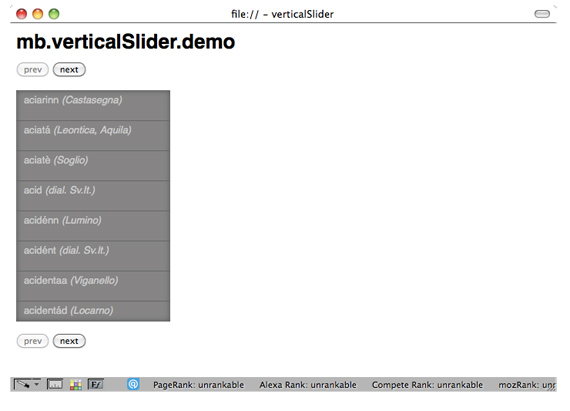
Sliding Tabs is a jQuery plugin for creating horizontal and/or vertical animated tabs for your website. You can have multiple instances of the tabs and customize them in any way with CSS . The script comes with many customization options, making it very flexible and easy to customize to your needs.

View Demo
Animation and visual feedback are great ways to assist a user in navigating and interacting with a website. While traditionally Adobe’s Flash was the goto for anything animated, these days with the magic of javascript we can avoid Flash altogether.

Preview || Download
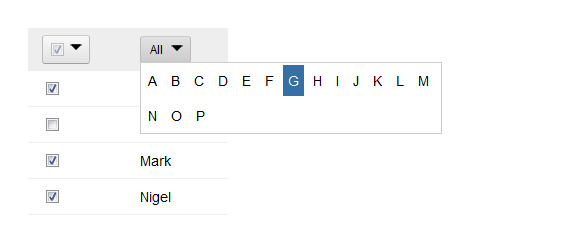
This jQuery plugin supplies an easy way to unobtrusively add a letter-based navigation widget to any UL or OL list. An easily stylable (via CSS) nav bar appears above the list, showing the user the letters A-through-Z. Clicking one of the letters filters the list to show only the items in the list that start with that letter. Hovering over a letter (optionally) shows a count above the letter, indicating how many items will be displayed if that letter is clicked. Other options give you control over the basic functionality.

Preview || Download
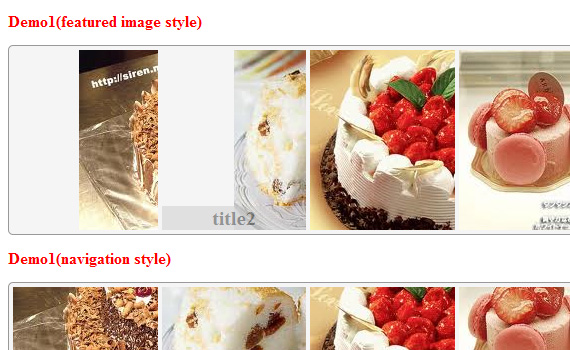
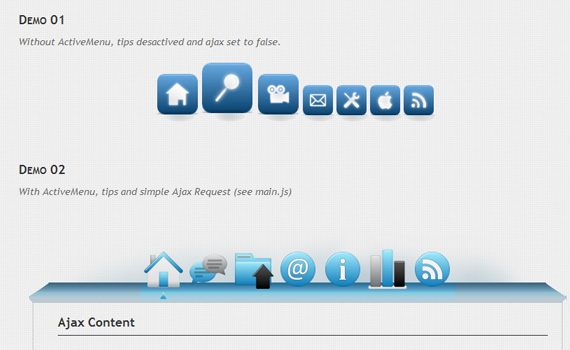
Transform a set of images into a Mac-like Dock menu, horizontal or vertical, with icons that expand on rollover, and optional labels.

Preview || Download
A little similar to the above navigation menu, only more smarter and more pleasing to the eyes. It can float diagonally (both up and down), vertically (left and right), and horizontally (up and down). It is hard to discuss how cool this navigation menu is, you just have to see the live preview. Link below the image. Oh, it works for text links too with cool effects.

Live Demo
This tutorial explains and let you download sliding jquery menu and you can see the effect in action over on the PSDtuts webpage in the top right hand corner.

This is how looks finished demo version:

Preview || Download

Preview
If you are a big Mac fan, you will love this CSS dock menu that I designed. It is using Jquery Javascript library and Fisheye component from Interface and some of my icons. It comes with two dock styles – top and bottom. This CSS dock menu is perfect to add on to my iTheme.

Preview || Download
Kwicks for jQuery started off as a port of the insatiably attractive Mootools effect (of the same name), but has evolved into a highly customizable and versatile widget.

7 Examples || Download
jQuery File Tree is a configurable, AJAX file browser plugin for jQuery. You can create a customized, fully-interactive file tree with as little as one line of JavaScript code. Currently, server-side connector scripts are available for PHP, ASP, ASP.NET, JSP, and Lasso. If you’re a developer, you can easily make your own connector to work with your language of choice.

Preview || Download
With this script you can make nice and interactive drop down menus. The advantage of this script is that it not only gives you the ability to make list drop down menu. You can also use a div as drop down element. This way you can create big drop down menus like under the buttons products and tutorials in the live preview. Or you can create a login panel in your drop down like I did in the live preview.

View Demo
Nice tutorial from CSS-tricks explaining how to use CSS with jQuery, this time he teaches how to use jquery fading options on menu.

Preview || Download
Ever seen some excellent jQuery navigation that left you wanting to make one of your own? This tutorial teaches how to do just that by building a menu and animate it with some smooth effects.

Preview || Download
Learn how to create navigation just like on Vimeo site, here is only xhtml,css used, but still I wanted to include this.

Preview + Vimeo site || Download
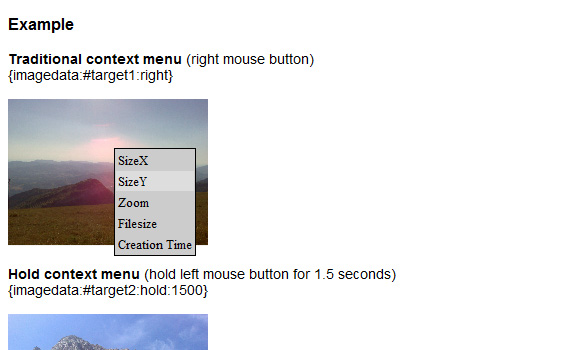
This is a powerful jQuery component to build easily a multilevel tree menu or a contextual menu (right click) in an intuitive way!
You can add as many submenus as you want; if your submenu or menu is not declared in the page, the component will get it via ajax calling the template page with the id of the menu you need (the value of “menu” attribute) the ajax page should return a well formatted code as the example below for the menu voices code.

Preview || Download
Advantage: anyone can use this class even without enough programming experience. Or if you are a master coder but is short of time, this one is for you. very easy to customize. You can even make a website the same as how you see a contextual menu on your desktop!

Live Preview

Preview || Download
idTabs is a plugin for jQuery. It makes adding tabs into a website super simple. But it can also open the door to endless possibilities.

Preview || Download
One of the biggest challenge to web designers is finding ways to place a lot of information on a page without losing usability. Tabbed content is a great way to handle this issue and has been widely used on blogs recently. This is great tutorial explaining to build a simple little tabbed information box in HTML, then make it function using some simple Javascript, and then finally achieve the same thing using the jQuery library.

Preview
Extremely light weighted Lavalamp menu packaged as a plugin for the amazing jQuery javascript library.

Preview || Download
This Mega Drop Down Menu Complete Set is perfect for creating unique menus by using one of the 10+ jQuery effects and one of the 13 color variants.Based on a custom grid, this menu allows you to organize your content into columns (from 1 up to 12) with a lot of typography examples such as headings, lists, images styling, tables, form elements, etc.

View Demo
Drop down menus are a really convient way to fit a large menu into a really small initial space. For a long time people have just used a form element for standard drop downs, but with minimal effort you can create a much slicker effect using jQuery and CSS.

Preview || Download
Five different ways, how to create background image animations using jquery – very live effect.

Preview
As you know there are a host of competing javascript libraries around these days. Though I prefer jQuery, I’ve always liked the way the menu on MooTools worked. So in this tutorial we’ll recreate that same effect … but this will be done in jQuery!

Preview || Download
MenuMatic is a MooTools 1.2 class that takes a sematic ordered or unordered list of links and turns it into a dynamic drop down menu system. For users without javascript, it falls back on a CSS menu system based on Matthew Carroll’s keyboard accessible flavor of Suckerfish Dropdowns by Patrick Griffiths and Dan Webb.

Preview Vertical || Preview horizontal || Download
Super menu pack is a collection of 10 cool menus, 5 in pure css and 5 using jQuery framework for customize or layout with your websites or applications and projects.It’s perfect for anyone who wants to give a special touch to their designs or find a starting point. Collection is as varied as possible in style and appearance to give you choice. Thinking in design working with code.

View Demo
For all the jQuery lovers: Here is the Garage Door effect. Now in jQuery!

Preview || Download
Perspective tabs is a simple mootools 1.2 plug-in that allows for a lagre number of tabs to fit into a small space.

Fisheye Menu is an expanding menu based on the MacOSX doc.

Download
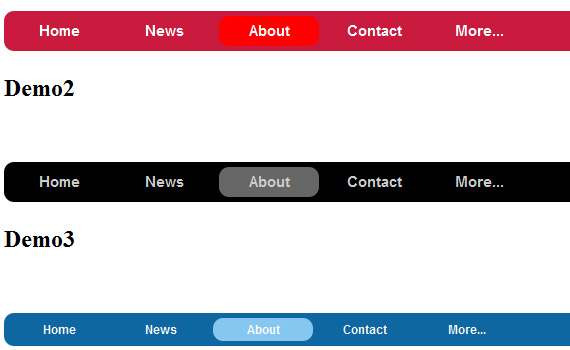
This sliding hover effect script is an easy method to add some flavor to your navigation. Using the CSS you can easily customize the navigation to fit your “look and feel”. The markup for the script is very simple as below.

Download
Simple expandable Javascript navigation menu.

Preview
A jQuery Plugin for no-click two-level menus (or whatever else you want to do with it).

Javascript accordians have been used a lot in todays web design world. There are a lot of scripts we have seen and sure you too would have seen them. This script is one of the smallest accordion script which is extremely simple and easy to integrate. Does’nt require any framework and fully cross-browser compatible.

Preview || Download
The UvumiTools Dropdown Menu is the menu featured on this website. It is a very simple multi-level menu built from an HTML unordered list, using Mootools Javascript Framework, it can be easily updated by simply editing a <ul> HTML element.


Preview || Download
Dropdown menus and menu bars have been heavily used since the early days of graphical user interfaces. Their use has become ubiquitous, and even expected, in desktop applications, and the web has quickly followed suit. This article is intended to describe an extremely basic, yet extremely powerful, technique for adding dropdown menus in your application user interface or website design.

Preview
For all of us who deal with long web pages and need to scroll to the top for the menu, here’s a nice alternative: floating menus that move as you scroll a page. This is done using HTML, CSS and jQuery, and it’s fully W3C-compliant.

Preview || Download
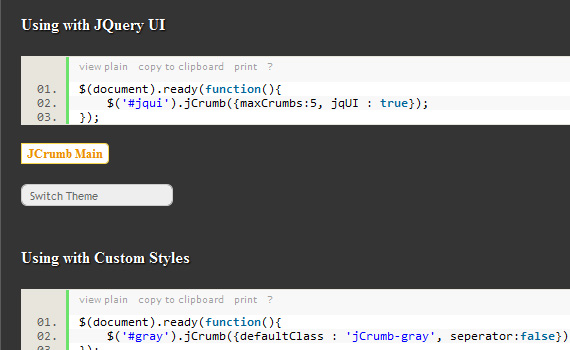
Superfish is an enhanced Suckerfish-style menu jQuery plugin that takes an existing pure CSS drop-down menu (so it degrades gracefully without JavaScript) and adds the following much-sought-after enhancements:

Preview || Download
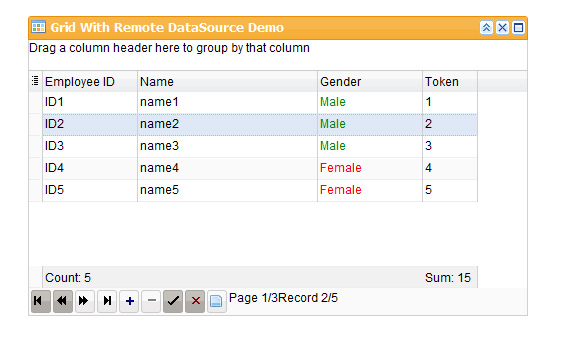
A simple JQuery plugin to provide paging UI functionality for data driven web applications

Preview || Download
When feeds became popular, it worked to have one icon on your site to point your readers to your RSS or Atom feeds. As feeds are more prevalent in blogs and websites abroad, the presence of multiple feeds abound – this jquery feed menu is solution here!

Download
Wabber
Friday, August 5th, 2011 19:59
Great selection of tools Dainis… thanks very much! Hopefully they won’t be too difficult to customise for my site!
Gaya
Thursday, May 28th, 2009 10:58
Hey Dainis!
Thanks for including my Garage Door Effect :) Stupid me for putting in a spelling error haha. Thanks again!
Gaya
Gayas last blog post : Puffing Smoke Effect in jQuery
Keshav Naidu
Thursday, July 28th, 2011 21:49
Good Collection. best opportunity for inspiration.
keep it up, Thanks ! :)
Mashfiqur Rahman
Thursday, June 30th, 2011 06:21
Very nice collection.
Thank you very much for your kind effort.
Billi
Thursday, September 10th, 2009 23:55
Oh, the menus are cool, number 11 is very nice, like the most others too.
Thomas
Saturday, November 21st, 2009 23:59
Great collection!
I still like the superfish a lot!
Seen some other interesting ones too!
jamikiller
Thursday, May 27th, 2010 20:58
Hai all,
Realy, realy good samples… but i have a question about nr. 12.
is it possible to make the corners of the LI elements rounded with jquery-corners, or -moz-border-radius? ‘cos i tried but fialed like a million times :P
wel, let me hear about it :)
Stefan
Monday, March 21st, 2011 17:04
The Menumatic Mootools is nice, but it is a big conflict with lightbox or jquery ui! I search the error and found out the jsapi.js witht load mootools”, “1.2.1″ was the catalyst for it.
could not fix the error, however, and unfortunately had to pass up.
Rodrigo
Friday, June 17th, 2011 05:23
You can actually use both together. Use jQuery’s noConflict() method.
Dainis Graveris
Thursday, May 28th, 2009 10:19
@Watcher thanks for the note, fixed now.
@Heather great to see somebody evaluating my work! thanks to You too!
Dainis Graveriss last blog post : 36 Eye-Catching Jquery Navigation Menus
Heather
Thursday, May 28th, 2009 09:13
Sweet. I’ve been meaning to look into some nice jquery navigation techniques, and you’ve made my search much easier. Thanks!
Janko
Thursday, May 28th, 2009 10:35
Wow, great list! I’m glad to see Vimeo navigation here although it’s just html/css. Thanks for including it!
Jankos last blog post : ASP.NET for web designers: Data controls
Soh Tanaka
Thursday, May 28th, 2009 11:03
This is an awesome collection. I wish some of these plugins were more like tutorials on top of it, so we can dissect and mess around with the code :-p
Thanks, gave me some ideas!!
Kamlesh
Wednesday, June 3rd, 2009 10:08
I would like to build a Dashboard for myself.
Please provide me inputs on how I can enhance the Example # 29 to have more menu items and show it in Full Screen.
Gerhard
Thursday, May 28th, 2009 13:34
jQuery is a great javascript library and it’s my personal choice. And now there is one place to look for navigation menus in jQuery.
I found two navigation lists, i saw once and forgot about: The Mootools homepage inspired Navigation and the feed menus
Thanks a lot.
Casey Wise
Tuesday, April 5th, 2011 18:41
Great list, thanks for posting! I’m going for the menu-matic.
Dainis Graveris
Thursday, May 28th, 2009 11:57
@Janko I couldn’t resist to Your navigation, I liked idea a lot :))
@Gaya beautiful tutorial and blog You’ve got, no problem :)
@Soh Tanaka many of these plugins are tutorials actually, not all of them, but I think code is pretty well explained many of these. Thanks! :)
gilbert
Wednesday, February 8th, 2012 09:11
this is great. Thanks for this,
Pete Januarius
Thursday, March 1st, 2012 13:58
Thanks for this. I’ve got to add a nav menu at work soon and I’ll probably pick one of these.
Shahid
Wednesday, March 7th, 2012 09:12
Brilliant Blog………very helpful for me! bt sir I want Something Special Photogallery creation with jquery. so plz help me for photogallery creation in my websites.
Thanks & Regards Shahid Mansuri
jayesh
Wednesday, March 28th, 2012 07:52
nice menu i like it its very usefull for freshers
rahul
Saturday, March 17th, 2012 08:49
i want to make HoverAccordion menu with HTML with ASP.NET pls help me .urgent.
karthik
Saturday, January 21st, 2012 10:40
This is simple Superb, i love all the samples.
Thanks Much.
Zlato
Wednesday, January 4th, 2012 15:31
wooow….mega dropdown menu set is the best thing i saw till now, searching over a month for something similar because i have huge menu (level) structure, and this is the best solution i ever saw…..thank you for this information:))
Rob Tyrrell
Monday, June 13th, 2011 14:53
I really like number 8 – but is there a way of stopping the border from appearing around the images onclick? – I’ve tried border:none; where appropriate but still happens.
terry
Monday, June 13th, 2011 20:57
outline: none
Pranav
Thursday, September 29th, 2011 07:48
Hey very good collection thanks..
Laurent
Saturday, June 27th, 2009 17:30
Hi,
I love these examples. Although I mostly use Flex to make exciting navigation like thedaywesurrender.com this opens my eyes to more javascript possibilities.
Dainis Graveris
Sunday, June 28th, 2009 10:50
@Laurent I guess there is no one right way to choose, the best way could be just know as many variants as you can and then just choose the best case in your workflow.