CSS3 with all of it’s possibilities, is a revolution in web development. The new CSS3 properties gives web designers a wonderful opportunity to enhance their designs in a way that’s quick and easy, yet visually impressive.
What’s more, almost all of the major browsers now support most CSS3 features so that’s another reason for mastering these new techniques. One of the spheres CSS3 has changed dramatically is web typography. Creative text styling can now be achieved without using any Javascript or images!
24,500+ Fonts, Website Templates, CMS Templates, and Landing page Templates are now available for just $29 per month with Envato Elements
By joining Envato Elements you gain access to plenty of Fonts, as well as many other useful design elements. All of this is available for a single monthly subscription to Envato Elements. Join today, and gain access to a massive and growing library of 24,500+ creative assets with unlimited downloads.
1. How to Create Inset Text Style With CSS3
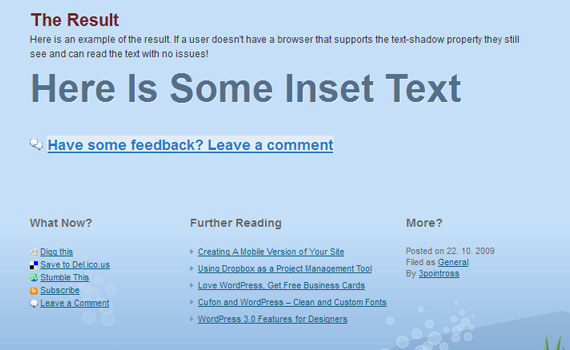
In this tutorial you are going to use the text-shadow property that is currently supported by most of the major browsers to create the appearance of inset text. Inset text being text that has been pushed into the background, almost like a reverse embossed effect.
2. 3D Text Effect Tutorial
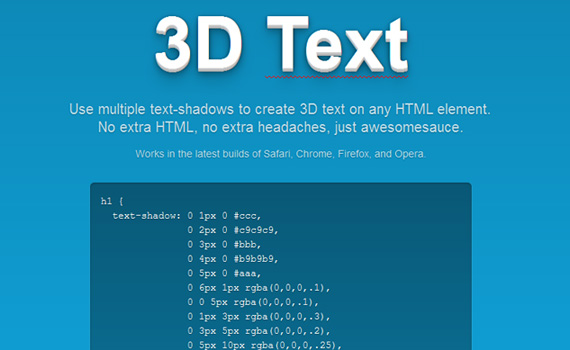
This is an example of 3D text created merely with CSS3. Use multiple text-shadows to create 3D text on any HTML element.
No extra HTML, no extra headaches, just awesome-sauce.
3. Cool Text Effects Using CSS3 Text-Shadow
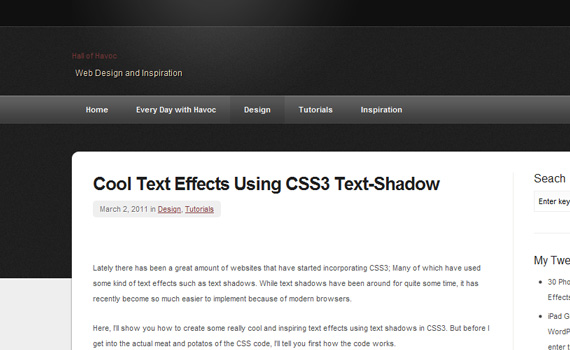
This tutorial shows you how to create some really cool and inspiring text effects using text shadows in CSS3.
4. Letterpress Text Effect with CSS Text-Shadow
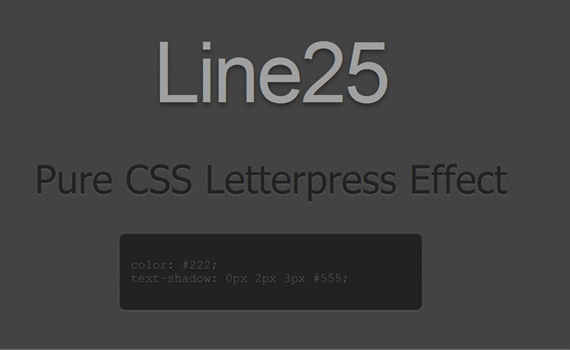
The letterpress effect is becoming hugely popular in web design, and with a couple of modern browsers now showing support for the text-shadow CSS3 property it’s now simple and easy to create the effect with pure CSS.
5. Embossed CSS3 Text Effects Tutorial

Create this CSS3 embossed text effect using just text-shadow. If you know it’s super easy and quick to make this cool text effect.
6. 14 various CSS3 text effects
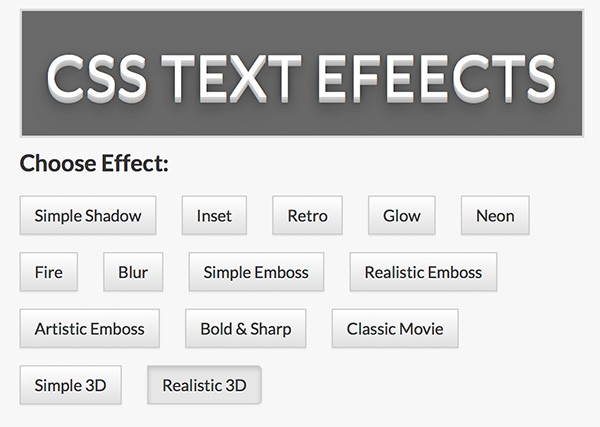
Pick between 13 different CSS3 text effects and easily view generated CSS to study it or just use in your own website design.
7. Subtle CSS3 Text Style that you’d Swear was Made in Photoshop

Learn to use CSS3 text shadows, outlines, transitions, and even text gradients to create cool typography that you’d swear had to be made with a program like Photoshop.
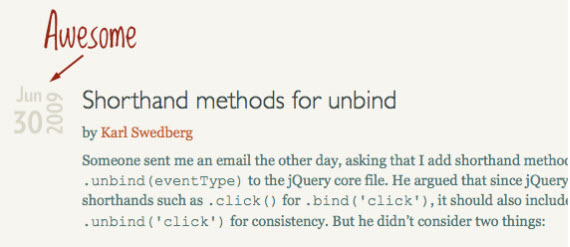
8. Date Display Technique with Sprites
9. How to Create a Cool Anaglyphic Text Effect with CSS
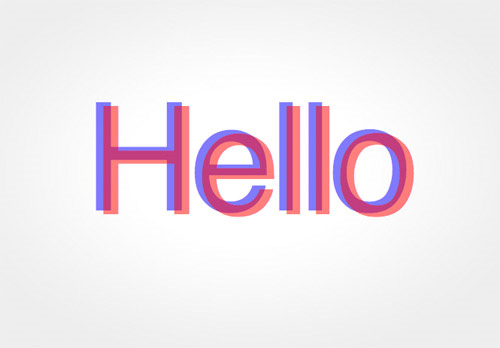
In this CSS3 text effects tutorial you’ll create a cool transparency overlay effect that closely resembles anaglyph stereoscopic 3D images. To use the effect in web designs you’ll of course build it with CSS, but the main consideration is to keep everything neat and true in our markup.
10. CSS3 Tutorial: How To Change Default Text Selection Colour
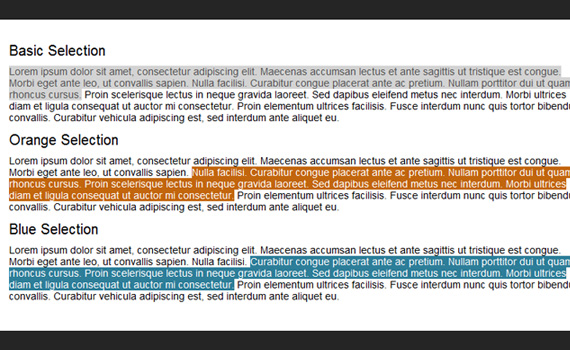
Whilst this CSS3 declaration might not be crucial to your project or design and is not supported by all browsers, it’s a fantastic effect that really takes your design one step further.
11. 8 CSS3 Text Shadow Effects
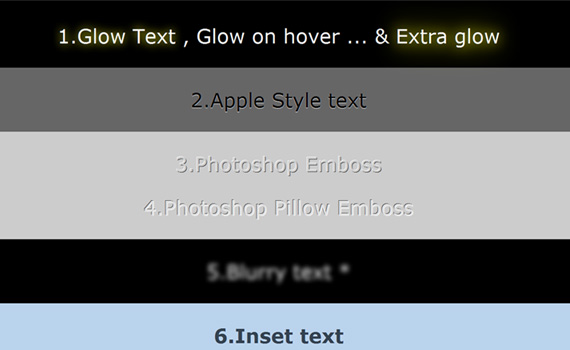
This post covers eight cool text effects you can achieve using CSS3 text-shadow property only.
12. Text Rotation with CSS Style
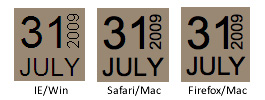
In this tutorial you’ll learn to rotate text without images using the transform property.
13. CSS3 Shining Text, CSS2 Flaming Text Style Effect
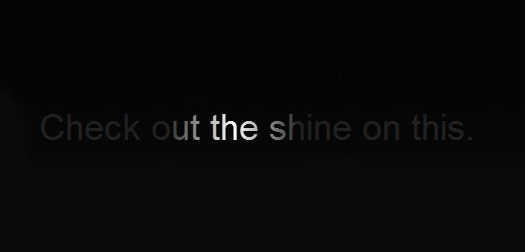
Create a fun flaming text effect simply by using some JavaScript and the good old CSS2 property text-shadow and shining text using CSS3 properties and animation.
14. Create Beautiful CSS3 Typography Style Effect
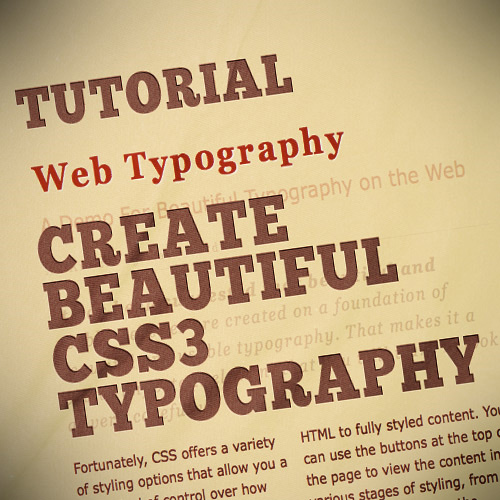
This tutorial will teach you how to take basic markup and transform it into an attractive and beautiful typographical design through pure CSS3. There are no images or other external resources, just pure CSS magic.
15. 7 Super Easy CSS Text Effects to Copy and Paste

In this tutorial you’ll find seven fun and attractive CSS tricks that you can grab and insert right into your own projects and customize at will. Keep in mind that since this stuff is still cutting edge, older browsers won’t support most of it.
16. 3D Text Hover Effect
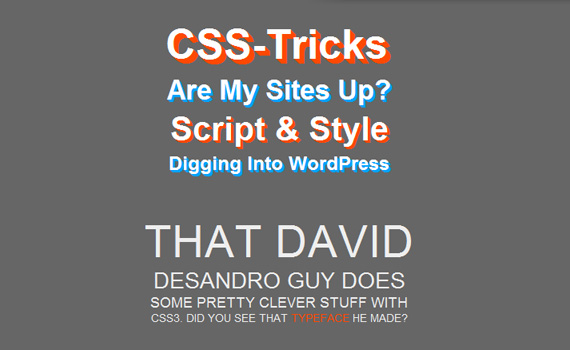
Learn how to create multiple text shadows using CSS3 text shadow property.
17. Adding Stroke to Web Text Effect
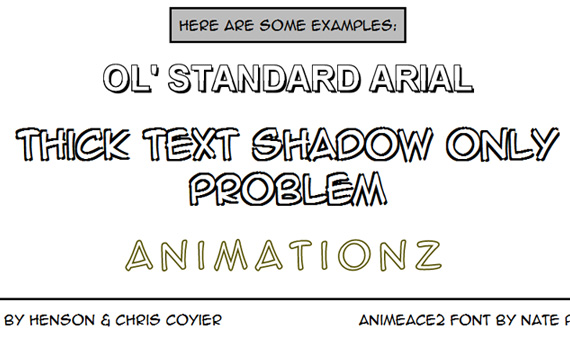
Replace programs like Adobe Illustrator and learn how to add stroke to web texts using WebKit.
18. CSS3 Text-Shadow Effect – Can It Be Done in IE Without JavaScript?
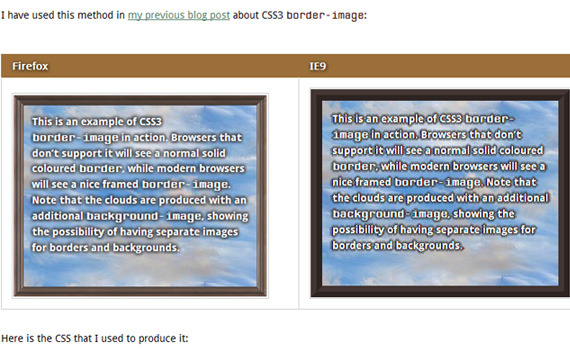
IE9 does support the majority of the CSS3 properties, however it doesn’t support image-border and text-shadow properties. This article will deal with text-shadow: how it works in browsers that support it, and strategies developers can use today to emulate some of its functionality in IE.

19. Fun with CSS3 Blurred Text effect
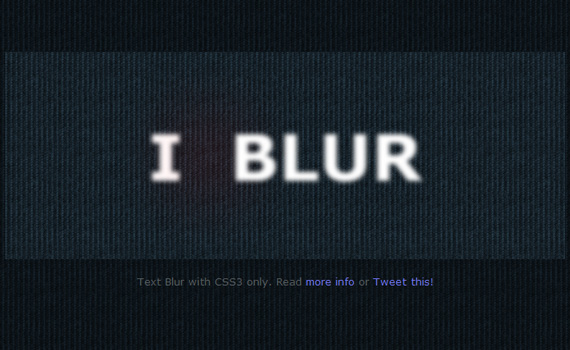
Quick tutorial from CSS tricks to create this blur effect to text without using bunch of text-shadow properties.
20. How to Create Inset Style Typography with CSS3
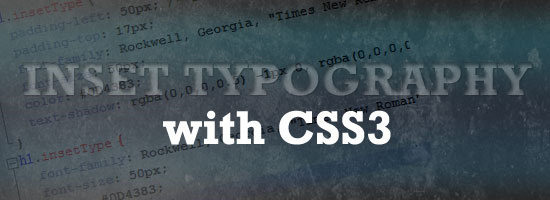
In this tutorial, you’ll learn to create inset type, a popular text treatment, using only CSS.
21. Quick Tip: Pure CSS Text Gradients
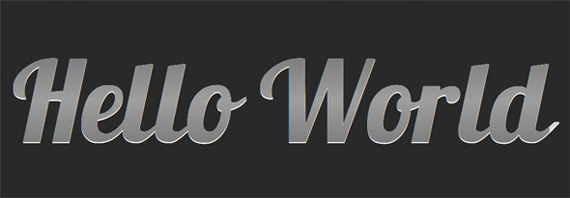
In this short video tutorial you’ll learn how to apply gradients to texts using webkit.
22. CSS3 Background-Clip: Text Effect
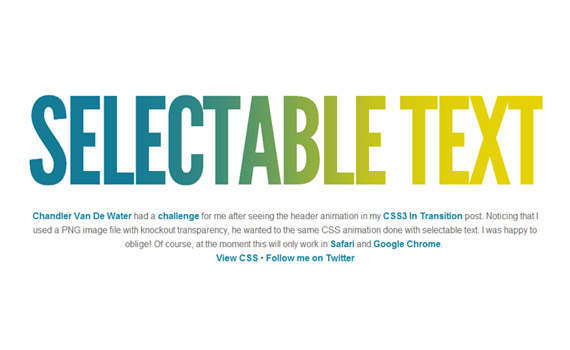
Learn to apply CSS transition on a selectable text.
23. How to Use Text Shadow Effect with CSS3
CSS3 presents many new possibilities when it comes to text effects on websites. The text-shadow property is one of these awesome abilities. This article covers 5 great effects you can achieve using CSS3 text-shadow.
24. CSS3 Poster With No Images
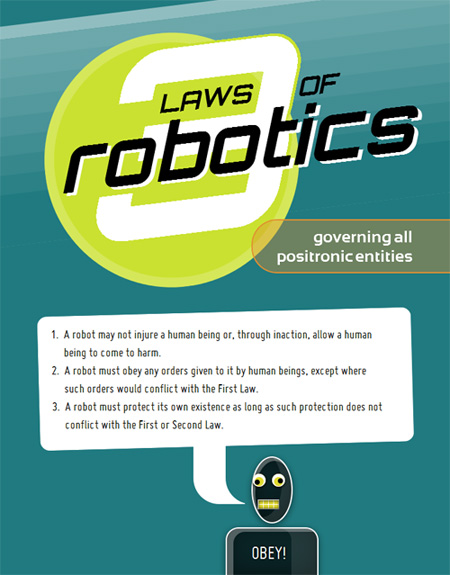
An experiment showing the power of CSS3 techniques. This one uses lovely bits like box-shadow, border-radius, @font-face, transform, box-sizing, text-shadow, RGBa. You can check out the code to discover these impressive features.
25. Creating a True Inset Text Effect Using CSS3
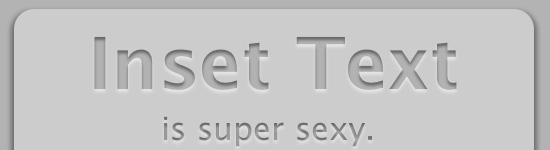
This inset text tutorial differs from others because besides default text-shadow it also uses inner shadow property.
26. 3D CSS Shadow Text Tutorial
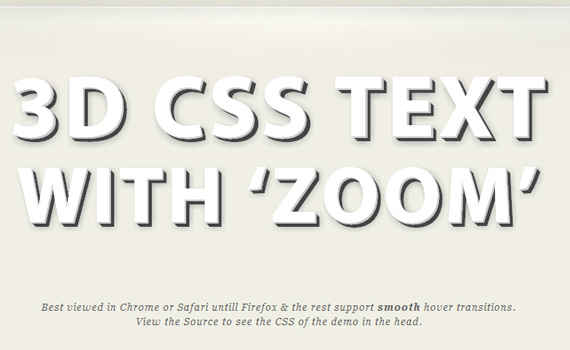
This easy CSS text shadow tutorial will show you step by step how to create 3D font with multiple css shadows by stacking multiple CSS3 text shadow properties, then go a step further and use the CSS text transform and CSS transition properties to make the 3D text pop out / zoom on hover.
27. How To Create 3D Text Using CSS3
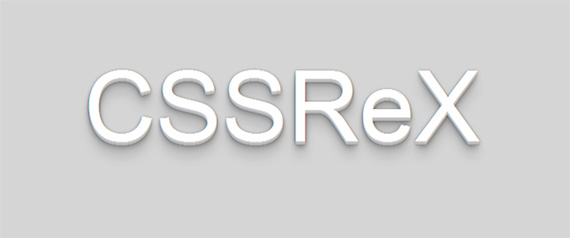
Learn how we create 3D text using CSS3 text-shadow to heading and paragraph tags.
28. Font Sizing With Rem
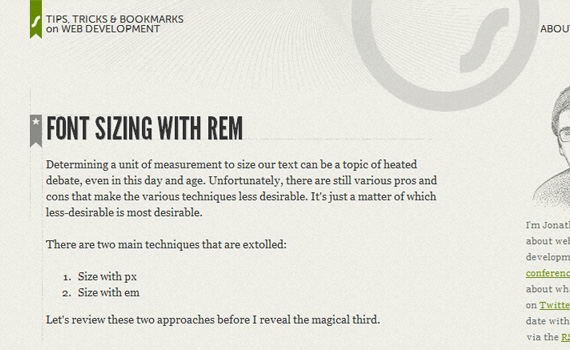
CSS3 introduces a few new units in font sizing, including the rem unit, which stands for “root em”. Take a look at it’s features and learn how to create resizable text in all major browsers.
29. Create Attractive Web Typography with CSS3 and Lettering.js
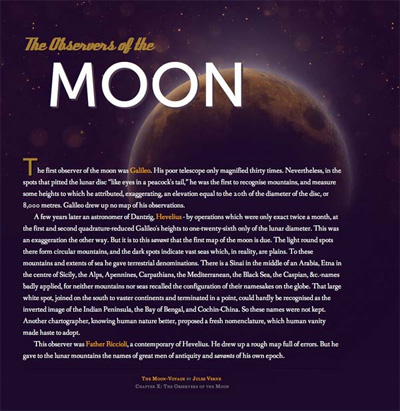
In this tutorial, you’ll look at how to take basic markup and transform it into an attractive typographical design using only minimum images, pure CSS3 magic and we will spice things up with lettering.js – a jQuery plugin for radical web typography.
30. CSS Gradient Text Effect Tutorial
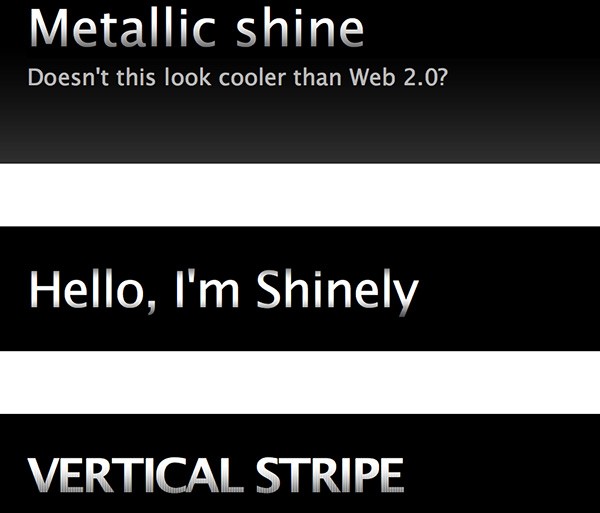
Another tutorial taking you through all the advantages CSS3 text-shadow can give.
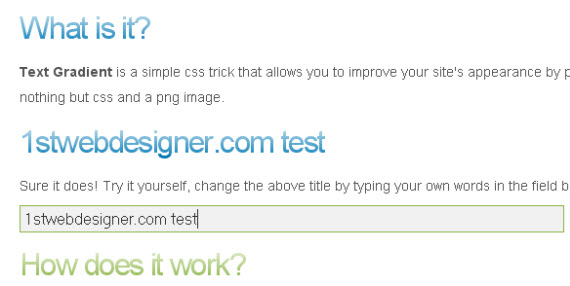
31. CSS Text Gradients Effect
Yet another very similar tutorial about text gradients, but maybe you’ll like both variants trying to explain really how CSS text gradient effects work.
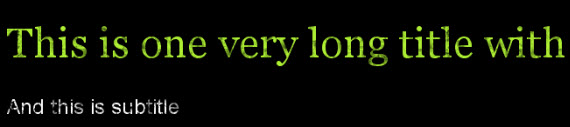
32. Add Grunge Effects to Text Using Simple CSS
The article is based on the same technique as CSS text gradients using it to add grunge type effect to your typo!
33. Two Simple Ways to Create CSS Font Embossing Effect
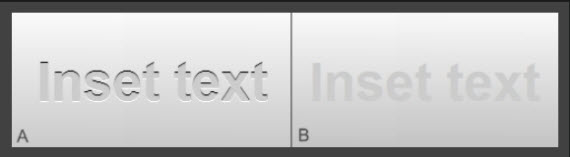
34. CSS Text Shadow Effect Exposed
Make cool and clever text effects with CSS text-shadow. A very detailed article teaching you a lot of hidden tips how to achieve text glowing, embossing, and shadowing with just few steps.
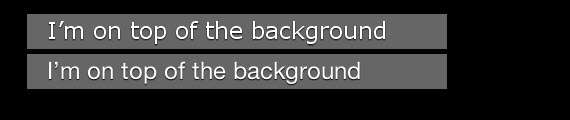
35. Background Gradients and CSS
Pretty cool CSS background effect, which can be applied on hover giving a lot of options use it in a creative way!

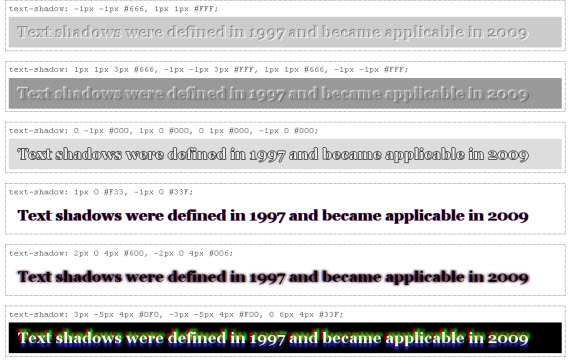
36. CSS Text Shadow Trick in Safari, Opera, Firefox and more
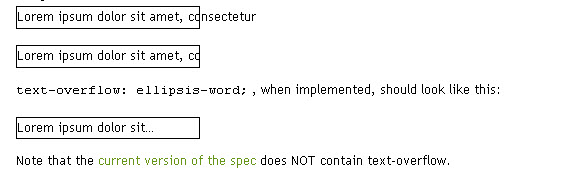
37. Text-overflow CSS Trick
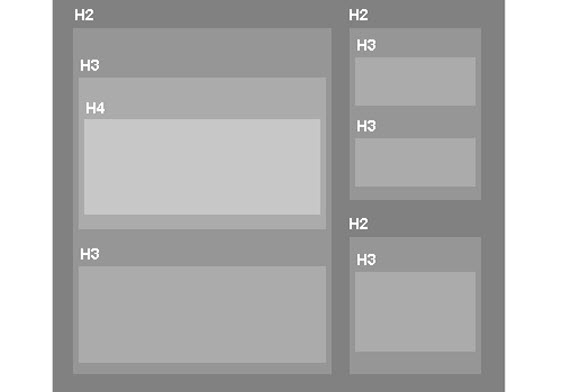
38. How to Use Headings in HTML
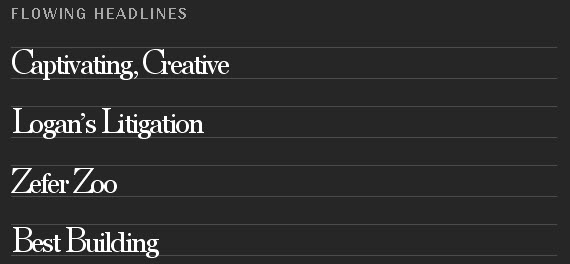
39. Advanced Typography Text Tricks Using CSS
40. 10 Examples of Beautiful CSS Text effects and How They Did It…
Beautiful article explaining simple but very effective CSS tricks on how to achieve beautiful typography effects with just a few lines of code.
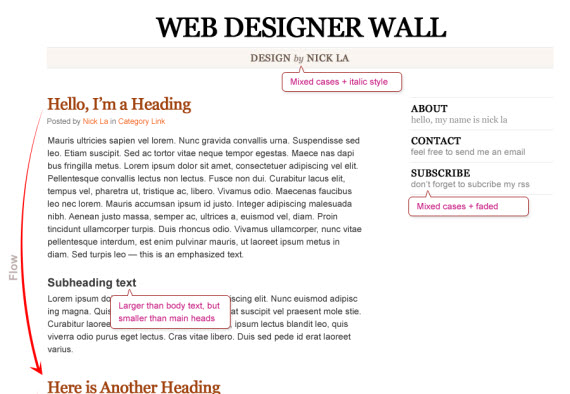
41. Typographic Contrast and Flow Text Tricks
Nick La teaches how to apply the right contrasts and flow in your web designs by explaining why and what works and how to achieve that effect.
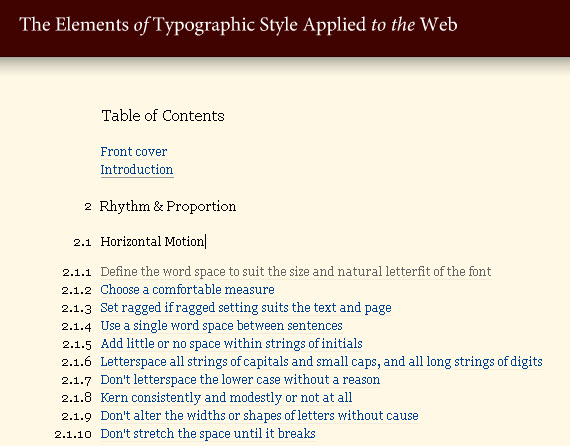
42. The Elements of Typographic Style Applied in Webdesign
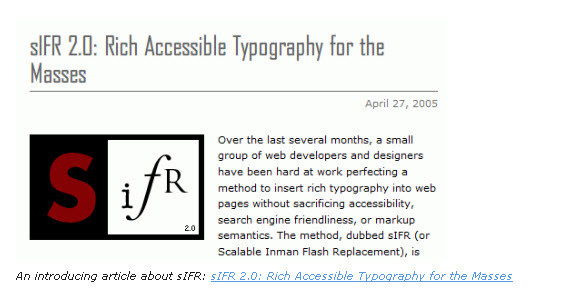
43. 5 Principles And Ideas Of Setting Text on the Web
This post may contain affiliate links. See our disclosure about affiliate links here.