How many hours do you spend daily on online activities such as checking email, tweeting, and sharing stuff on social media? How is your productivity?
Even though those activities are necessary, sometimes it becomes a distraction from our main tasks.
Channels for IFTTT Recipes
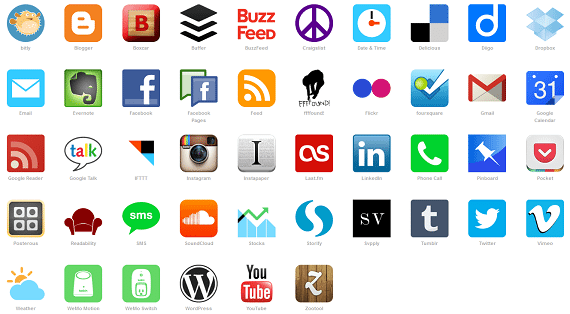
In this roundup, I am going to provide 20 Cool automations, which are known as recipes, created by people around the world. Hope you enjoy!
1. Thanks for following!
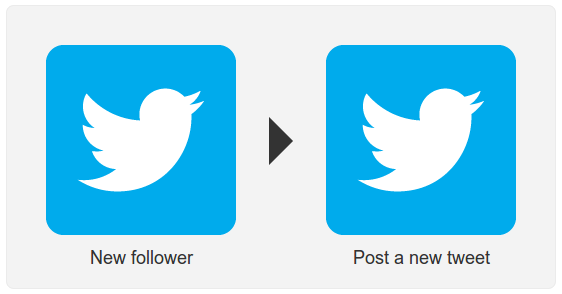
Every blog owner knows the importance of a new follower for your Twitter page. This recipe can be used to thank the new followers using a tweet and let them know that they are important for the site.
View Recipe
2. Tweet whenever I post a link on Facebook
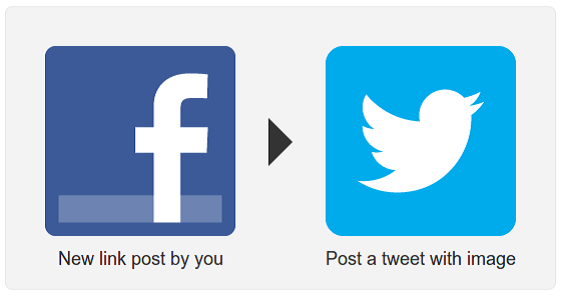
Recipe that can be used to automate the tweeting process based on your Facebook page update.
3. Gmail notification of new email
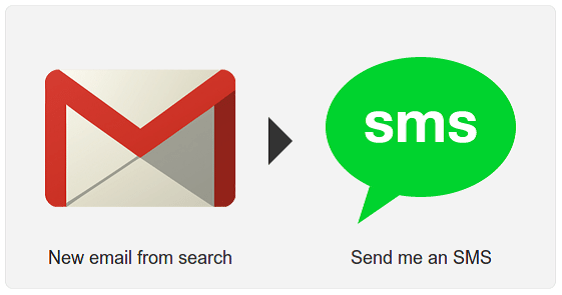
Get SMS updates on email based on certain search criteria. You can use is:unread to get SMS updates on every new email. Great to have feature, when you don’t have an internet connection available.
4. Get an SMS alert before any event starts on your Google Calendar
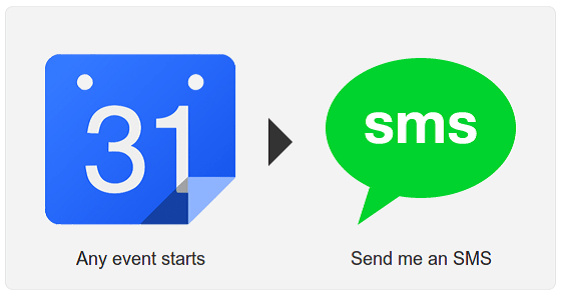
This recipe lets you receive SMS alerts just before an event starts on your Google Calendar. Excellent solution for situations, where you don’t have internet access.
5. Any time you add a new WordPress post it updates your Facebook fan page, giving post title and link
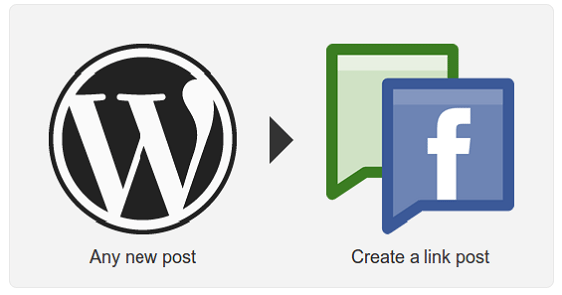
Facebook fan pages are very important for webmasters as are your RSS feeds. Every time a post is updated, Facebook fans should be notified via a fan page update. This recipe lets you automate the posting on Facebook page based on your WordPress post updates.
6. Download file from Gmail
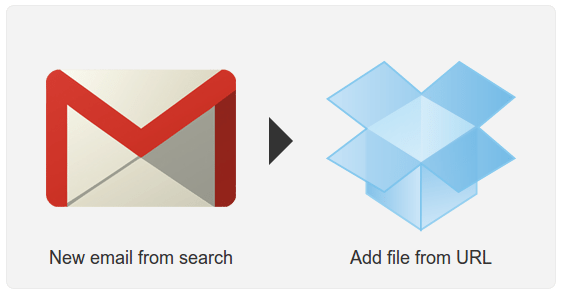
Send an email containing a link of file to be downloaded with specific a keyword for downloading purposes and get the file downloaded automatically to your Dropbox account. Use “downloadthis” as the subject and link as the body. No other content like signatures should be included.
7. Place new followers in “new followers” Twitter list
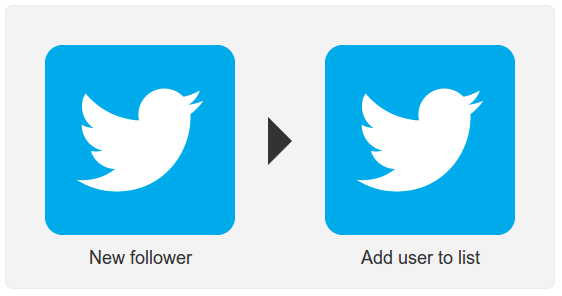
Every day we might get followers to our Twitter account. It is not always possible to check about new followers whenever they follow you. It’s important to know about these new followers since they might be your future clients. So this recipe can be used to add every new follower to a Twitter list. Then you can organize them later and clear the list accordingly.
View Recipe
8. Create Twitter list from Twitter hashtag participants
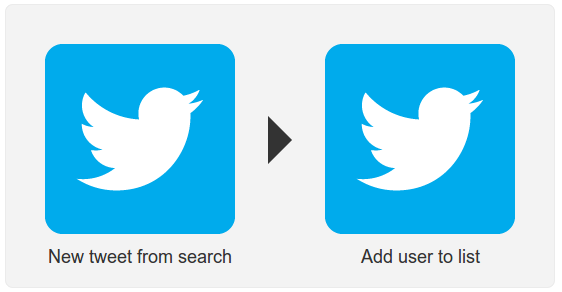
This recipe can be used when you want to find users who talk about specific topics. Define a hashtag (#1stWD) and whenever someone tweets with this hashtag, the user will be added to your Twitter list.
View Recipe
9. Backup Pinterest to Dropbox
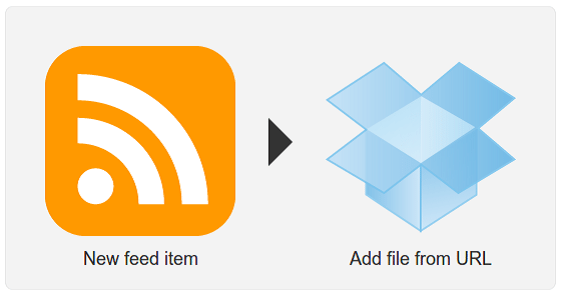
Once you provide the RSS feed URL of your Pinterest account, IFTTT will automatically download the images of the pins when a new item is added to the RSS feed.
10. Note down ideas in Evernote from Gtalk
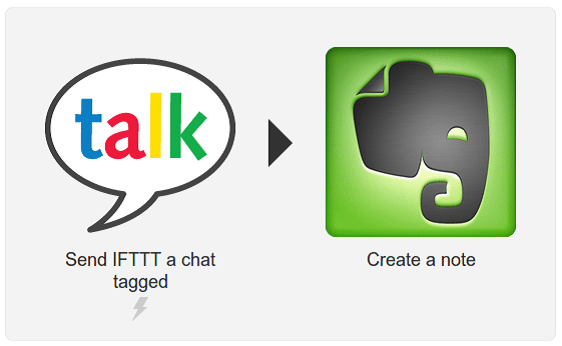
Send a chat message using Gtalk with a specific tag and create a note in Evernote. First you have to add [email protected] to your chat list and activate using a pin. Then every time you send a chat message with specific tag, a note will be created.
View Recipe
11. Twitter search to mail
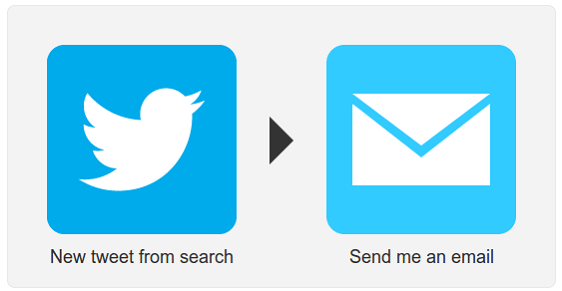
You can define a search text and send all the tweets that match the search criteria directly into your email inbox. Saves lot of time in researching for specific topic. Use with caution since it might generate large number of mails to your inbox in few minutes.
View Recipe
12. Tweets from a user to an email
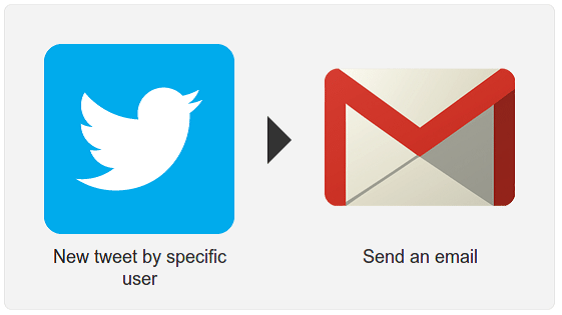
Generally all users follow a number of people. It’s not practical to read every tweet by your followers. Sometimes we like tweets from specific users and we want to follow all the tweets created by them. In such cases, we can use this recipe to watch tweets from specific username and send it to your email.
View Recipe
13. Schedule Tweets using Google Calendar
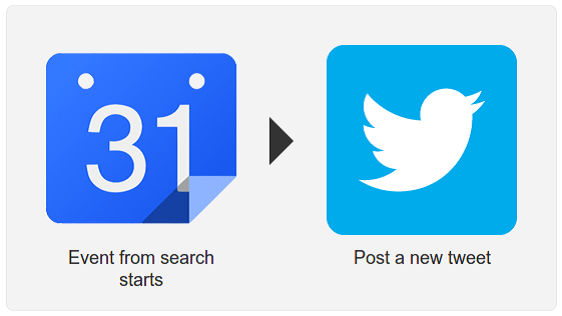
Tweets can be scheduled to publish at certain times. This will reduce the overhead of logging into your account every time you need to tweet. Create events in Google Calendar using specific keywords (ex ScheduleTweet) and IFTTT will automatically publish the tweet when the calendar event occurs.
14. Send links tagged with #db to be saved to Dropbox
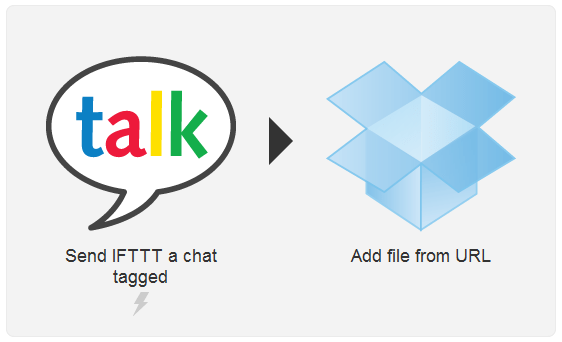
Send a link of the file to be downloaded to [email protected] with a specific tag and get the file downloaded automatically to your Dropbox account.
View Recipe
15. Adds new calendar entries from new emails matching search criteria
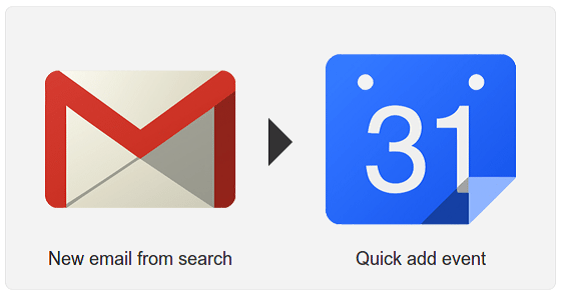
Define a search criterion for incoming mails which needs to be added to calendar. You can define the subject as newevent and put as search criteria. When a new email with a subject containing newevent comes in, the body content will be added as a Google Calendar event.
16. New tweet by you ➪ update bio
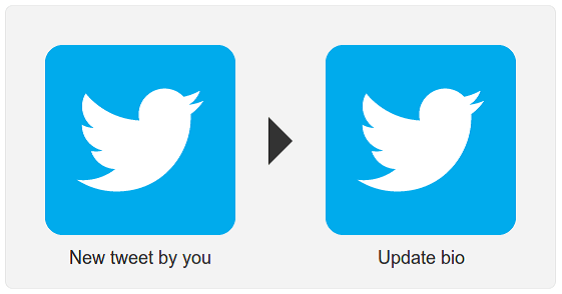
Your Twitter bio message will be set to the latest tweet whenever you create a new tweet on your account.
View Recipe
17. Save Favorite Tweets in a single Evernote
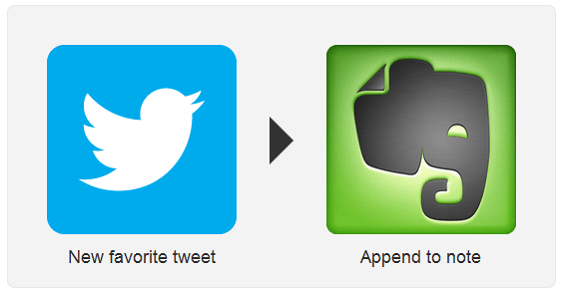
Tweets marked as favorite will be added to single note in a given notebook with specified tags.
View Recipe
18. Tweet via Google Talk
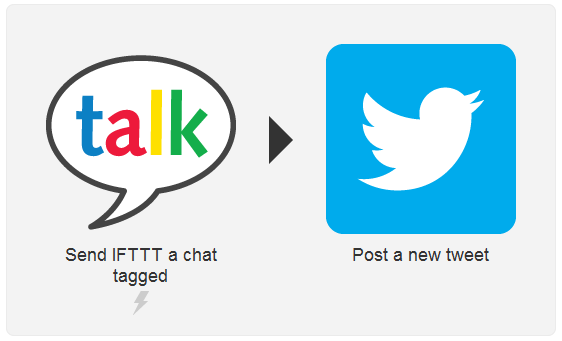
Send a chat message to [email protected] with a specific tag and post a tweet on your Twitter account automatically.
View Recipe
19. Add events to Google Calendar via Google Talk
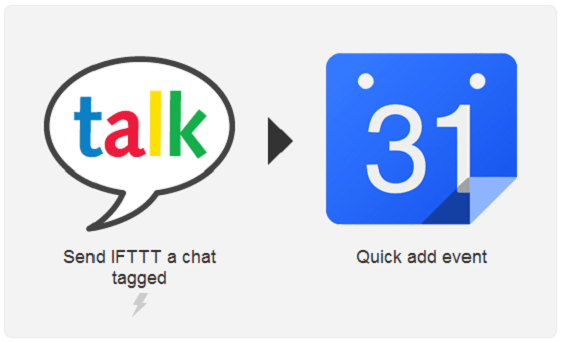
Send a chat message to [email protected] with a #cal in your message and create Google Calendar event automatically.
View Recipe
20. When Updating WordPress, Update LinkedIn
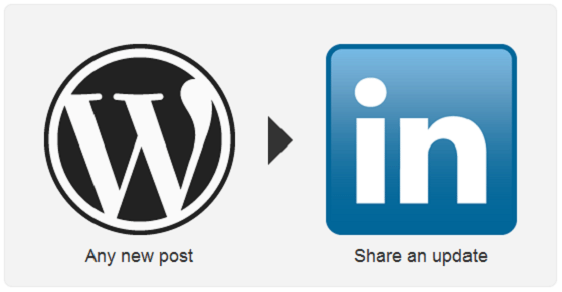
This recipe can be used to update your LinkedIn profile with the latest blog posts from the site.
Finished!
Now, doesn’t this make it easier to be focusing on important tasks that your project needs? We sure think so. Tell us what your opinion is on these recipes.
This post may contain affiliate links. See our disclosure about affiliate links here.