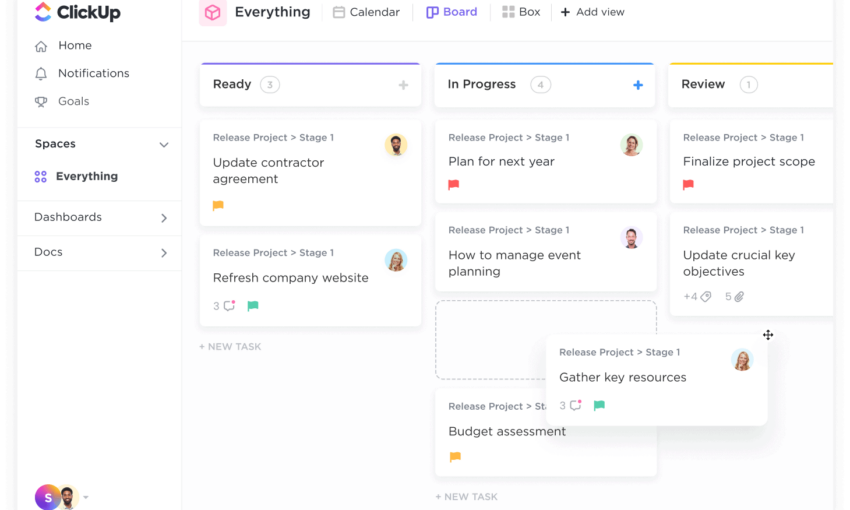
Project management and collaboration skills play a major role in every business and often the outcome of a project is highly affected by the initial planning and monitoring stages.
Project management is especially important for small and flexible businesses where all the work is based on a few people who have to communicate and develop the workflow. Globalization has made collaboration even more essential since many modern businesses like web design agencies don’t even have a constant address – people all around the world are working from their homes.
Web-based online project management tools are the top choice of hundreds of entrepreneurs and thousands of small and medium size businesses.
Continue reading if you’re looking for your first project management app or if you’re just seeking to check out alternatives. Most of these tools come with a fixed monthly price, some of them you’ll have to pay for per user and month.
Also, a trial period is available with most of them so you’ll have the chance to examine and check out if it’s the right choice. Each description contains brief features the service offers as well as the pricing plans.
What Are The Top Online Project Management Tools in 2017?
With a lot to choose from it might be frustrating to find the right app for you. This article presents some of the best project management and collaboration tools out there. There are also tools for brainstorming ideas, hosting conversations and even managing a newsroom.
Each of them share common general features, however each of them also has something unique to offer.
Best Choice: ASANA
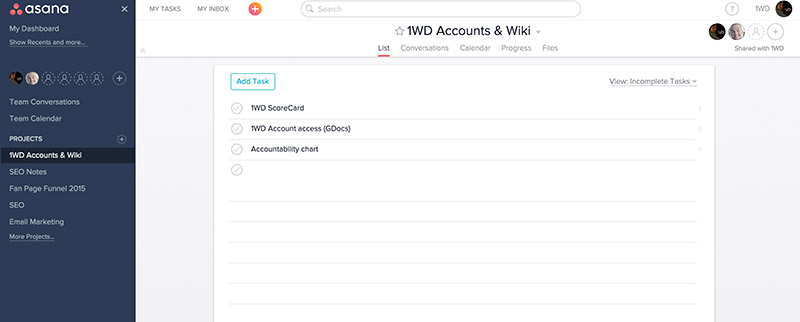
The best collaboration tool we have ever used at 1WD
Before I go with the general list, I would highly recommend for you to check ASANA – it is hands down my favourite tool I have ever used and if you give it a proper go, you’ll thank me later!
It’s free for teams under 15 members, so for most people, you won’t even pay for the greatest piece of software – it has everything..just check it out!
1. Teambox
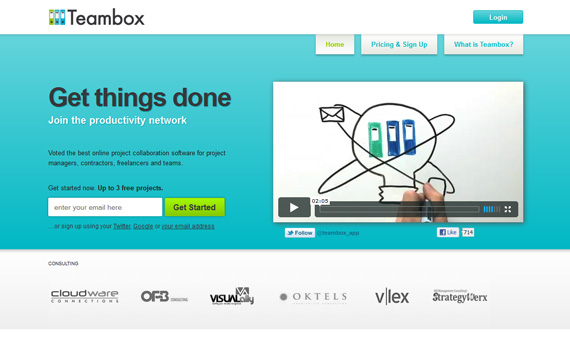
Teambox is voted the best online project collaboration software for project managers, contractors, freelancers and teams. Teambox is the pioneer in joining social collaboration tools with online project management. It’s mission is to change the way people work by making it easier and more fun to get things done.
Features:
- Teambox Projects consist of conversations, task lists, pages, and file storage.
- Share ideas, files, images and video. Discuss details and solve problems, stay alert thanks to email notifications.
- Simple, fast and linear task creation. Add due dates and task owners in seconds. Quickly see what is getting done.
- All of your important documents and media in one place. File storage that is simple and linear.
- Various communication options. RSS, Email, Mobile Access and Web interfaces are just the beginning of how you can communicate.
2. Projecturf
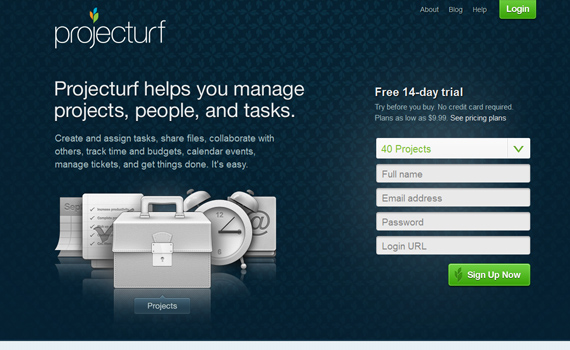
Projecturf is the Web-based project management app that helps individuals and businesses manage projects, people, and tasks. A project can be big or small, personal or business. Once a project is created, you add team members to the project who gain instant access to it via the Web. Within a project, there are tons of features and functions that can be done, such as creating and managing tasks, events on the calendar, and discussions; uploading and storing designs and documents; and analyzing project data using the Dashboard activity history and reporting.
Features:
- Projecturf keeps you up-to-date on all your projects and stores everything in one place, that is always accessible, secure, and backed up.
- Upload your own logo, create your own custom URL, change the colors, and tailor our app to suit your needs.
- Projecturf uses the highest level of security available on all accounts at all times.
- Pay only for your consumption. Pricing charts are built on project amount per month. Unlimited users, unlimited storage.
3. Apollo
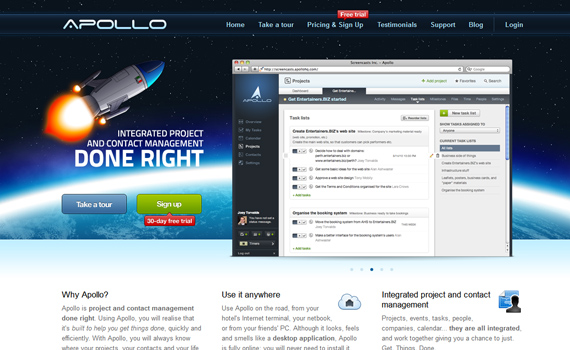
Apollo is project and contact management done right. Using Apollo, you will realize that it’s built to help you get things done, quickly and efficiently. With Apollo, you will always know where your projects, your contacts and your life are at and you will feel on top of everything — regardless of how hectic your schedule is.
Features:
- Keep everything under control – use the overview to keep track of what’s going on across all of your projects, calendars and personal tasks.
- Start interactive timers – with interactive timers, you can start a timer and keep track of how long you are spending on a task.
- See your project’s activity – in the activity screen you can see who did what on your project and who is allowed to access it.
- Set your milestones – you can assign a task list to a milestone, to divide your project into stages and throw a party when you complete a full stage.
4. Basecamp
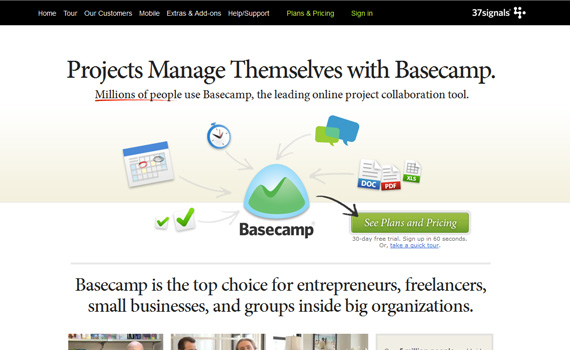
Basecamp is the top choice for entrepreneurs, freelancers, small businesses, and groups inside big organizations. Projects go well when people talk to each other, discuss issues openly, and communicate clearly. Basecamp is focused on making this easy.
Features:
- No more messy email threads. Post messages to Basecamp instead.
- Easily share files, documents, images, and designs with your clients or team.
- Assign to-dos with deadlines. Making to-do lists and adding to-do items literally just takes seconds.
- Templates jump start your project. Instead of creating new projects from scratch every time, use Basecamp project templates to set up standardized projects ahead of time.
5. Huddle
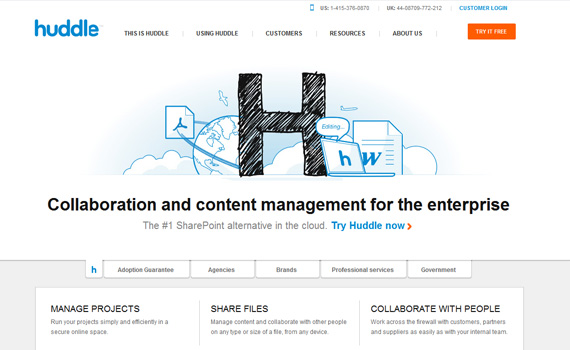
Huddle is the world’s leading cloud-based collaboration platform, used by 90,000 businesses and government organizations in more than 180 countries.
Features:
- Online file storage – Huddle encrypts all data exchanged with the server to industry standard levels as well as authenticating the server itself to the user.
- Discussions – quickly start discussions with team members and keep all conversations and comments in one central place.
- Tasks & files – immediately track deadlines and milestones for your projects. Attach files to specific tasks.
- Permissions – set granular permissions against each workspace or folder, controlling who can view specific items.
6. Lighthouse
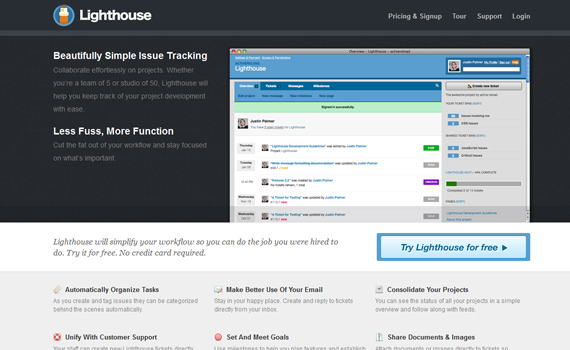
Lighthouse will simplify your workflow so you can do the job you were hired to do. Collaborate effortlessly on projects. Whether you’re a team of 5 or studio of 50, Lighthouse will help you keep track of your project development with ease.
Features:
- Keep up with your project on the go – no matter where you are, we have the tools to keep you up to date on your project.
- We’ll organize. You work – Lighthouse has given you all the tools you need to organize your tickets – custom states, a powerful tagging system, an advanced search, saved searches (we call them ticket bins), and a mass editing tool.
- Setting your project goals – milestones help you group your tickets in timely releases.
- Plays well with others – thanks to Lighthouse’s robust API, there are already dozens of useful services that integrate with Lighthouse.
7. Goplan
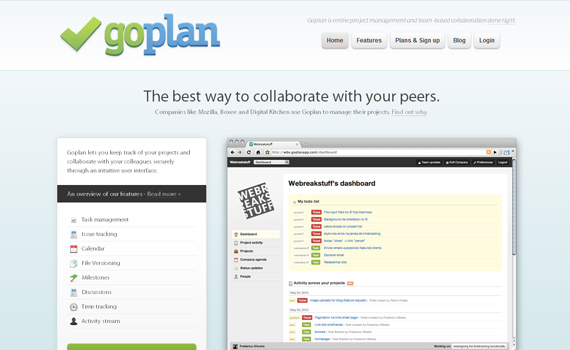
Goplan lets you keep track of your projects and collaborate with your colleagues securely through an intuitive user interface. Goplan was developed to scratch developers own itch – they needed a better tool to manage our projects, communicate with clients, and organize our personal lives. Goplan has become a consumer-facing product ever since then.
Features:
- Everything in its right place – the Goplan dashboard gives you an overview of everything that’s happening with your company and your projects.
- Task management – organize your projects into tasks and milestones. Tasks can have any number of sub-tasks, with sub-tasks of their own.
- Issue tracking – if you’re running a software project, you’re probably aware of the notion of tickets and issue tracking. Tickets capture project defects, which can then prioritized and filtered.
- File management – upload files and documents directly to Goplan and have all your projects assets in one secure place.
8. Action Method
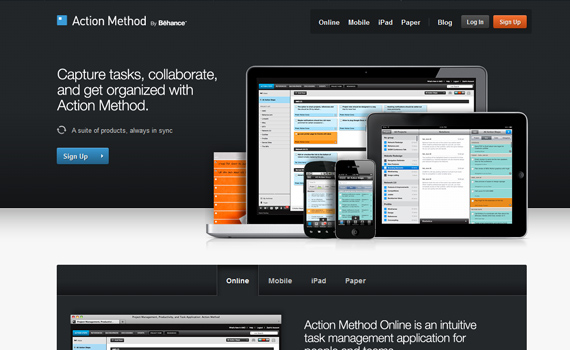
Action Method by Behance is a task-management methodology designed to help creative thinkers push their ideas forward. Based on the power of capturing and managing tasks you need to complete, Action Method ensures ideas are executed. From beautifully designed paper products, to Action Method Online, to Action Method for iPhone, this system of products works together to maximize productivity, organization, and accountability.
Features:
- Capture Action Steps – action Steps are tasks that need to be completed. Each Action Step should start with a verb: “Call Y,” “Follow up with X,” “Buy a gift for Z.”
- Delegate tasks – you can delegate Action Steps to anyone with an email address. Once an Action Step is delegated, you can monitor its progress.
- Manage projects – all of your items in Action Method online are organized by project. A project could be a client, a project at work, a party you’re planning.
- Sync with mobile – automatically sync with your mobile device to manage your tasks wherever you are. No wifi required.
9. Glip (in past – Rule.fm)
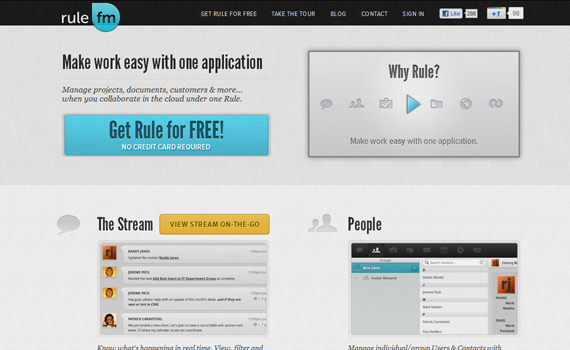
Rule – one application to make your business simply productive. People, CRM, Projects, Documents and more- all interacting and coexisting with total transparency online in an activity stream — so you can finally manage your business under one rule.
Features:
- The stream – know what’s happening in your business up to the moment. View, filter and collaborate on all activity for all Rule assets.
- Projects – simple, powerful, collaborative. Your Milestones, Tasks, Time Tracking, Project Calendar, Documents & Discussions come together to make project management what it should be.
- Docs – get busy sharing folders and files with multi-file upload and group/individual sharing and permissions.
- CRM – from the pipeline to your bottom line – manage customer relationships and the deal flow (sales cycle) process with the Rule CRM – integrated with your other valuable Rule assets.
10. Freedcamp
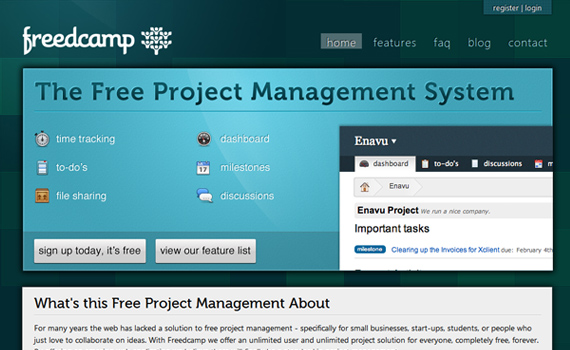
Freedcamp offers unlimited user and unlimited project solutions for everyone, completely free, forever. By offering an amazing web application Freedcamp believes there will finally be a standard in project management.
Features:
- The dashboard is where you can get your morning cup of information about projects, important tasks, and recent activity.
- Discussions provide a forum-like experience, allowing you to create entries in a simple format. Use it to discuss ideas, give suggestions, and collaborate on the important things in life.
- Milestones are a great way to keep your projects on track. Set dates for each milestone in your project and then try to complete it by the due date.
- Keeping track of time is a fundamental part of project management. This is where you can keep a record of the amount of time you’ve spent on a specific task.
11. Onehub Workspaces
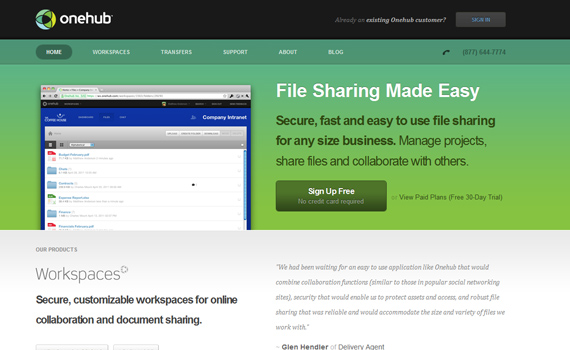
Onehub makes large file sharing easy. Secure, fast and easy to use file sharing for any size business. Manage projects, share files and collaborate with others. With Workspaces and Transfers products, Onehub has solutions to help growing businesses work more efficiently by improving communication and information sharing.
Features:
- Online Workspaces – organize your files by team, project, client or file type — it’s up to you.
- Content management – workspaces is a simple and secure way to manage your documents, media and content online.
- Secure sharing – share your Workspaces, folders or files with unlimited users on every plan, no per user fees.
- Real-time chat – the ideal way to collaborate with your team in real-time. See who is online in your workspace.
12. So1o

Keep on top of your projects with So1o. Intelligently track how much time you’ve spent and what you’ve spent it on. See how many days to deadline, what you’ve quoted and how close a project is to completion. Beautifully designed graphs show a visual breakdown of your project.
Features:
- Dashboard – the hub of the solo experience. The dashboard allows you to easily keep track of the day-to-day things that really matter.
- Projects – keep on top of your projects with Solo. Intelligently track how much time you’ve spent and what you’ve spent it on.
- Diary – manage deadlines, milestones , meetings, tasks and todo’s all in one place.
- Invoicing – electronically send invoices directly to your clients, Solo lets you know when they’re due to be paid, are overdue or need to be sent.
13. Worketc
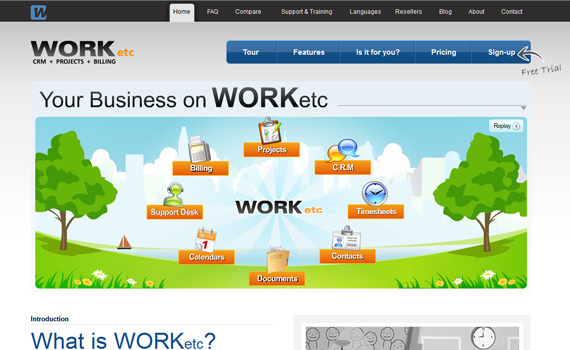
WORKetc combines CRM, project management, billing, sales, support and more with a powerful automation engine to help take your small business to the next level.
Features:
- Manage your entire customer lifecycle in one application, and easily reference any part of that lifecycle through detailed contact histories.
- Save time and effort by automatically converting sales leads into projects, duplicating existing projects, or using project templates.
- For recurring bills, use a list of products and attach these to customers and invoices. Set up shipping, local taxes, offer discounts, and manage commissions.
- Setting up reminders and to-dos across your business is as simple as a few clicks, and these can take the form of e-mail or RSS, so you can always be up to date even when you’re on the go.
14. ProWorkFlow
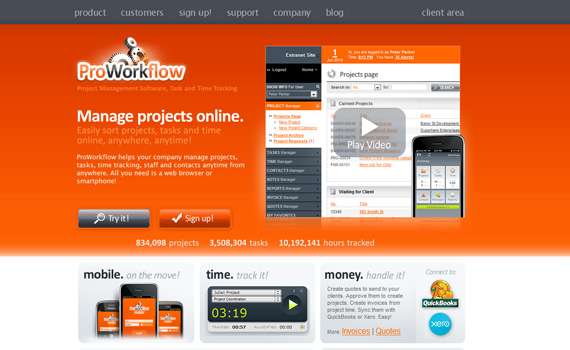
ProWorkflow is the top project management software currently helping thousands of customers globally to optimize their business processes, manage staff resources, track projects, tasks and time and keep on top of it all.
Features:
- Web-based technology allows you to manage your company remotely.
- Get organized with the project manager & assign tasks to employees.
- The task manager allows you to create task lists for each employee, and see activity in real-time.
- Gain knowledge on company performance using the reports manager.
15. activeCollab
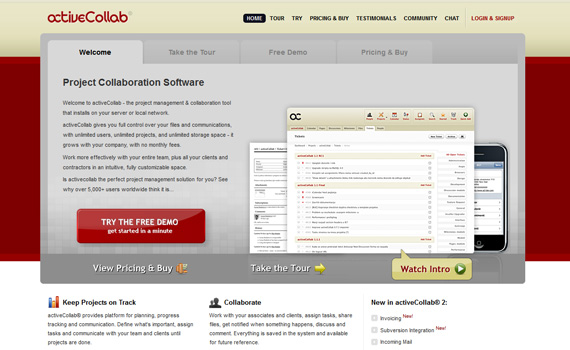
activeCollab is a project management and collaboration tool that installs on your server or local network. activeCollab gives you full control over your files and communications, with unlimited users, unlimited projects, and unlimited storage space – it grows with your company, with no monthly fees.
Features:
- Keep projects on track – activeCollab provides platform for planning, progress tracking and communication.
- Collaborate – work with your associates and clients, assign tasks, share files, get notified when something happens, discuss and comment.
- Email notifications – activeCollab sends you an email when something important happens.
- Be in control – install activeCollab on your server and invite people to work with you.
16. Teamwork PM
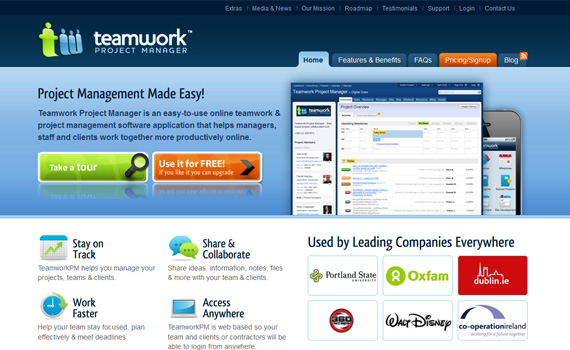
Teamwork Project Manager is an easy-to-use online teamwork & project management software application that helps managers, staff and clients work together more productively online.
Features:
- Assign tasks to keep on top of everything – with Teamwork, you can assign tasks to staff, co-workers and contractors in seconds.
- Never miss a milestone again – with Teamwork, you can add Project Milestones to keep everybody on the project informed about key dates and goals.
- Project management – Teamwork allows you to take a birds eye view of all your projects and visualize your overall schedule.
- Track every hour – Teamwork allows you to track the time you spend on every project allowing you to keep projects on-cost and efficiently bill your clients.
17. Conceptboard
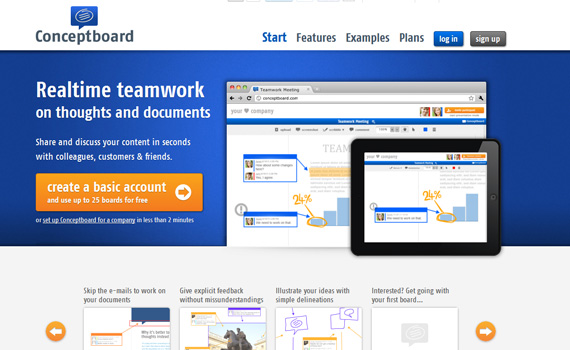
Conceptboard offers real time teamwork on thoughts and documents which you can share and discuss with your colleagues, customers & friends. Conceptboard is a great work space for your ideas, documents and pictures. It’s very intuitive and makes online collaboration easy as pie.
Features:
- Use your own files – edit your documents as if they were printed. Highlight, underline and more with just one click.
- Get things done on the iPad – Conceptboard is optimized for the iPad. There is no app you need to download, it works just fine in the browser.
- Comment without the fuss – opinions, ideas, thoughts – comment directly on the object of discussion.
- Work live with your team – discuss drafts, make decisions and produce results. Work cooperatively on your boards in real time
18. Zoho Projects
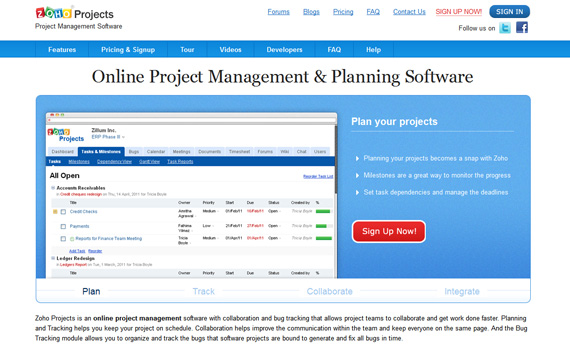
Zoho Projects is an online project management software with collaboration and bug tracking that allows project teams to collaborate and get work done faster. Planning and Tracking helps you keep your project on schedule. Collaboration helps improve the communication within the team and keep everyone on the same page.
Features:
- With Zoho Projects planning your projects becomes a snap. Use milestones to organize projects, set dependency for your tasks, assign ownership and priorities.
- The bug tracker combines a clean interface to organize bugs with custom workflows, business rules and fix bugs which makes bug tracking painless and simple.
- Record your working hours. Export data and generate reports quickly with time-sheets.
- Create files directly on the browser without having to install any additional software. Tag files with labels and keep track of changes with the version history.
19. Teamlab
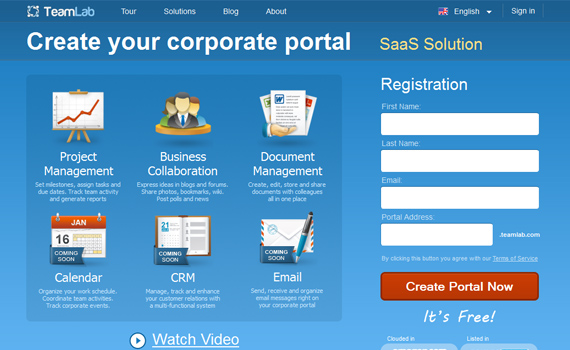
TeamLab is a web-based platform for business collaboration and project management. It has been developed by Ascensio System Limited, a fast-growing company that offers IT-solutions for personal and corporate use.
Features:
- Project management – build teams and assign tasks. Schedule project milestones, track project activity and generate reports.
- Business collaboration – create posts in blogs and forums, view employee details. Share photos, bookmarks and Wiki pages.
- Time tracking – save information on time spent for a certain project task. Add details to the work done and generate time-tracking reports.
- Mobile full version – access your portal from Android or iOS mobile phone. Keep track of team and project activities regardless of your location.
20. DeskAway
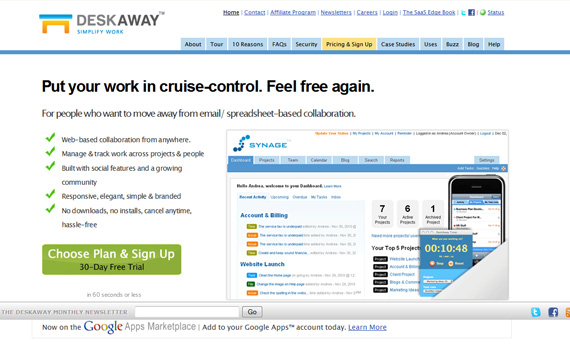
DeskAway is a web-based project collaboration software that provides teams a central location to easily organize, manage and track their projects & work. DeskAway is carefully hand-crafted by a small team of developers and designers. Each feature is custom-made to give you the ease of use and power to help you grow your business.
Features:
- Go green – DeskAway will have all your project stuff in a central location – project plans, reports, to-do’s, notes etc. This way you and your team are less likely to hit the print button. Save the trees and help conserve energy.
- Less email clutter – once you start using DeskAway, you will automatically have less email clutter in your inbox and no problems finding old project information.
- You control who sees what information – DeskAway’s permission-control system is built with the idea that not everyone should know and see everything.
- Nothing to download or install – since DeskAway is an on-demand business software delivered on the Internet, there is nothing to install, compile or configure.
21. Producteev
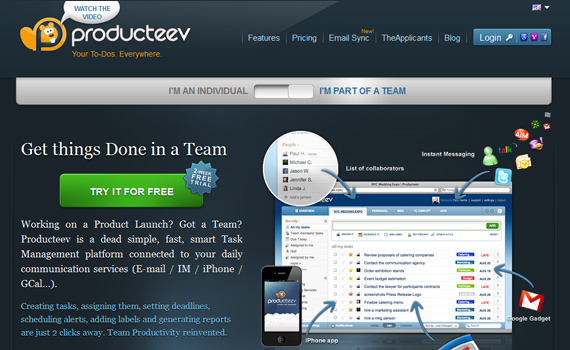
Working on a Product Launch? Got a Team? Producteev is a dead simple, fast, smart Task Management platform connected to your daily communication services.
Features:
- Multiple team support – manage multiple teams with Producteev using simple, built-in features.
- Filters and reports – easily generate useful reports on project and team activity.
- Overview – see a real-time overview of what’s been accomplished and what should be done next for each team and project with integrated activity feeds, timelines, and alerts.
- Producteev Academy – turn task management into a social game. The Academy is a built-in, fun competition to see who can get the most done.
22. Kapost
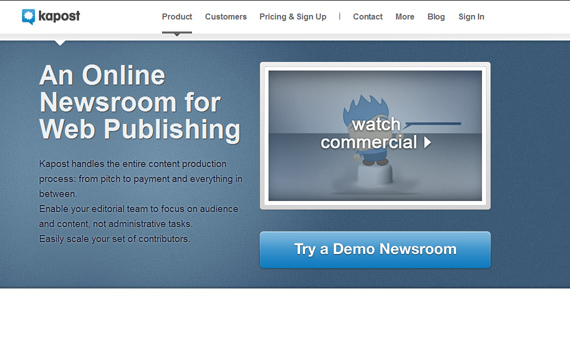
Kapost is an online newsroom for web publishing also used by 1stwebdesigner. Kapost handles the entire content production process: from pitch to payment and everything in between. Enable your editorial team to focus on audience and content, not administrative tasks. Easily scale your set of contributors.
Features:
- Kapost moves the content production process on to its online workflow: from pitches & story ideas, to assignments & editorial calendars, to drafts & publishing, and into performance and payment tracking.
- Kapost enables the entire production workflow to be moved online. In Kapost, anyone can create Story Ideas, which can be closed or approved and assigned.
- Track the performance of your content in terms of page views, uniques, re-tweets, FB Likes, etc.
- Easily automate the tracking of the payment of your contributors. Kapost handles the calculation and reporting of payments.
23. Campfire
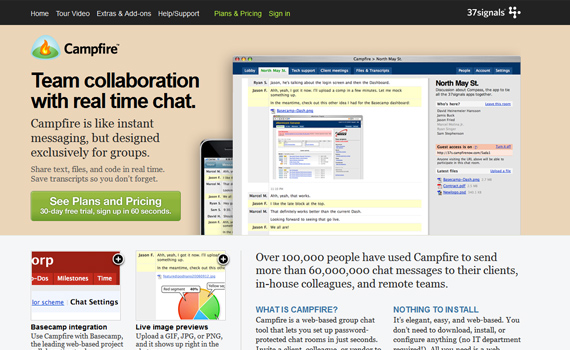
Campfire is a web-based group chat tool that lets you set up password-protected chat rooms in just seconds. Invite a client, colleague, or vendor to chat, collaborate, and make decisions. Link to a room on your intranet for internal communications.
Features:
- Basecamp integration – use Campfire with Basecamp, the leading web-based project collaboration tool.
- Live image previews – upload a GIF, JPG, or PNG, and it shows up right in the chat room.
- Conference calling – invite your chat room to a voice conference call with a single click.
- Jump back in time – read past chat transcripts anytime you want. Campfire keeps a history.
24. Socialcast
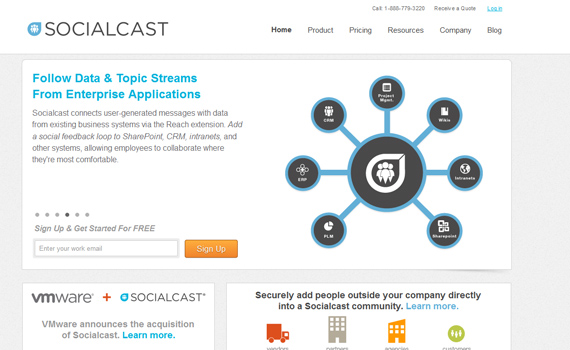
Socialcast is an enterprise collaboration platform that unites your company’s people, data, and applications in real-time. Socialcast’s software creates a flexible, simple, data-rich collaborative space where employees can find information from applications, systems, and people across the enterprise.
Features:
- Activity Streams are the future of enterprise collaboration, uniting people, data, and applications in real-time in a central, accessible, virtual interface.
- Contribute to an evolving hub of company information with every note, question, and document shared.
- Social Business Intelligence is a suite of analytics that provides real-time feedback and actionable insights into the employees, topics, and information-sharing occurring in your Socialcast community.
- User Roles enables community administrators to grant people access to social tools such as Reach, Social Business Analytics and External Contributors, providing people with the resources and information they need to get work done faster.
25. Flowdock
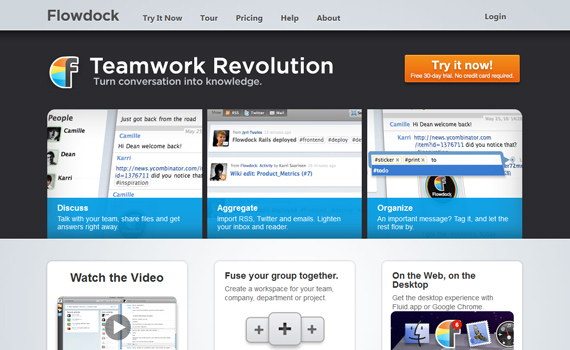
Flowdock creates a bridge between conversation and knowledge management. You don’t have to use clumsy tools like instant messaging, IRC or email for group conversation on one hand, and wikis, ticketing systems etc for knowledge management on the other. With Flowdock, you can reduce your ways to a light-weight, effortless process, where the conversation flows and the barrier of creating knowledge is diminished.
Features:
- Real-time group chat – Flowdock’s efficient real-time group chat saves you time and helps your team get answers right away.
- Easy file sharing & storage – upload mockups, images, code snippets, presentations or other documents to Flowdock and share them with others instantly.
- Bring your systems together – Flowdock integrates your wikis, project management tools, customer feedback, Twitter feeds and much more into one simple feed.
- Constant brainstorm – with Flowdock, recording ideas or gathering knowledge is just as easy as chatting. Just jot down the idea in the chat, tag it and it’s immediately saved and shared with the team.
26. Thoughtboxes
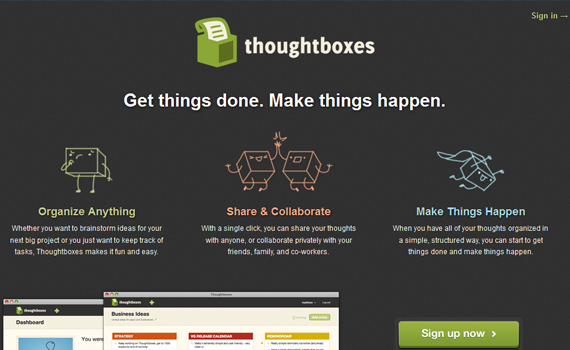
Whether you want to brainstorm ideas for your next big project or you just want to keep track of tasks, Thoughtboxes makes it fun and easy. With a single click, you can share your thoughts with anyone, or collaborate privately with your friends, family, and co-workers.
27. Peers.me
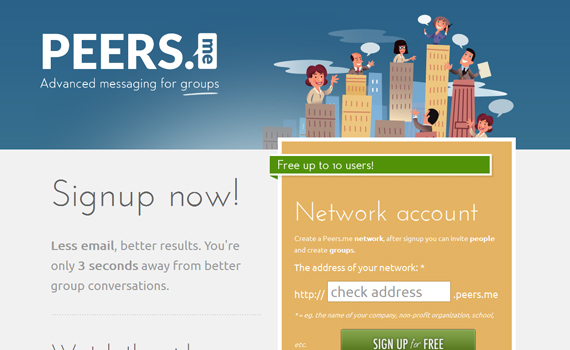
Peers.me offers hosted conversations to keep everyone involved in an easy way. By using Peers.me for group communication your email inbox stays clean. No fancy stuff, Peers.me is all about communication. And Peers.me is free up to 10 users.
28. BrixHQ
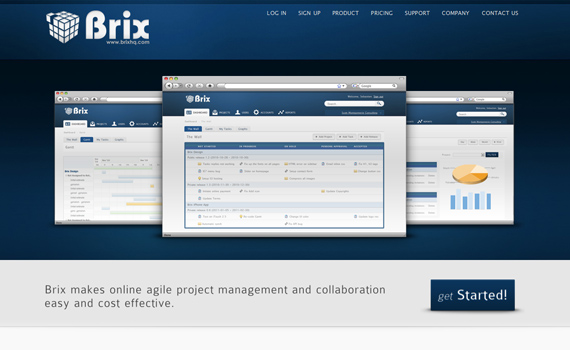
BrixHQ makes online agile project management and collaboration easy and cost effective.
Features:
- Dashboard – the Dashboard gives you a visual snapshot of where your projects are at via; The Wall, Gantt Chart, My Tasks and Graphs.
- The wall – visualize all your projects and tasks on the wall.
- Gantt Chart – the Gantt Chart gives you a graphical representation of your tasks and where they are all at.
- Reports – reporting is part of all projects; use some flexible reports to ensure your needs are met
29. Podio
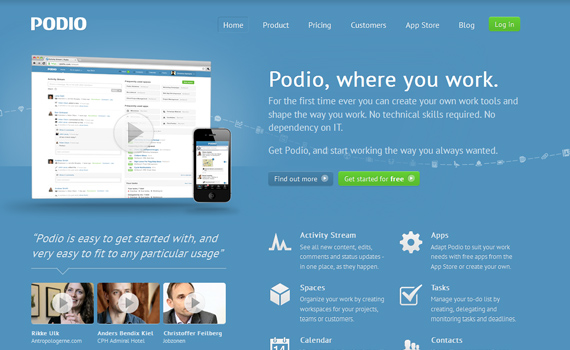
Podio is an online platform with a new take on work and how it gets done. It gives people more power than they’ve ever had before to do everyday work better, smarter and in their own way. Podio is used by a variety of teams and organizations for a wide range of purposes. For the first time ever you can create your own work tools and shape the way you work.
Features:
- Discover the easy way to run projects – smple yet fully flexible. Enjoy successfully finished projects.
- Product development – boost your development process. Stay on top of customizable workflows. Leverage team power to create great products.
- CRM & lead management – stay on top of all your business relations. Fully customizable to close more deals and know your customers better.
- Event management – all you need to organize great events. Easily keep track of budgets, participants and your team’s tasks.
30. Scadaplan
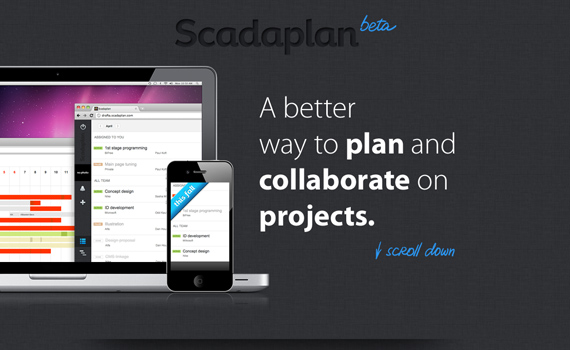
Scadaplan is a project management and collaboration tool for small and mid-sized groups. There are many similar programs can be found across the internet, which consist of functions like Tasks, Deadlines, Calendars, Comments, etc. The Scadaplan team has tried using dozens of similar programs, working in the design and development industry for 9 years. This is why they have decided to develop something of their own and to let the people use their product.
Features:
- Create, track and collaborate – it takes seconds to create, assign and name your task. Every task has built-in timer to log work time and plan your goals.
- Plan and analyze – with Scadaplan calendar you’ll see the whole picture of your team. Besides today’s everyone`s tasks, you can see future work and analyze past projects.
- Never miss a thing – being used to Like-facebook notifications, you will be able to be aware of all updates and actions with necessary tasks.
Finished!
Now you now the best tools to keep up with your team as they work on a project. However, we’re sure that you have some other things to keep an eye on. This is why we are presenting you with tools that can automate your online activities.
This post may contain affiliate links. See our disclosure about affiliate links here.