Join over 55,891 Subscribers Today! FREE UPDATES!
Get The Only Freelancer crash course you will ever need to read!
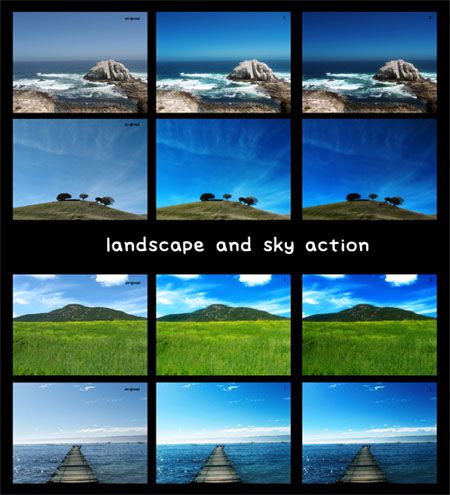
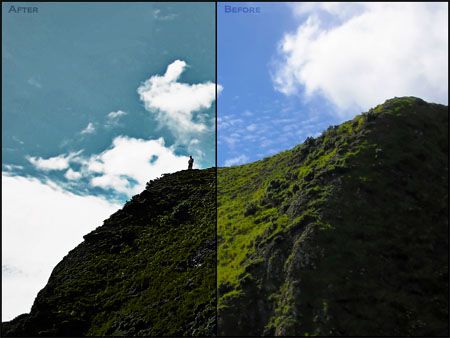
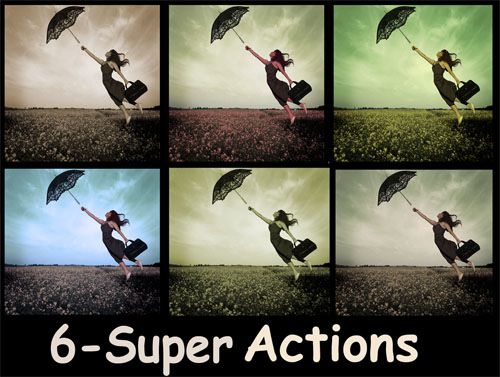
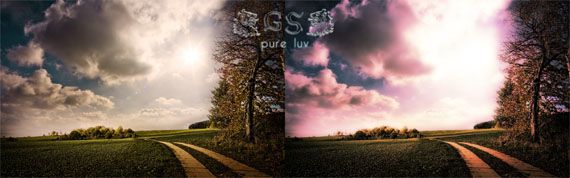
By using Photoshop Actions, designers can easily replicate repeating steps and save their time. Furthermore, with the help of Photoshop Actions one can easily edit photographs and create beautiful art work.
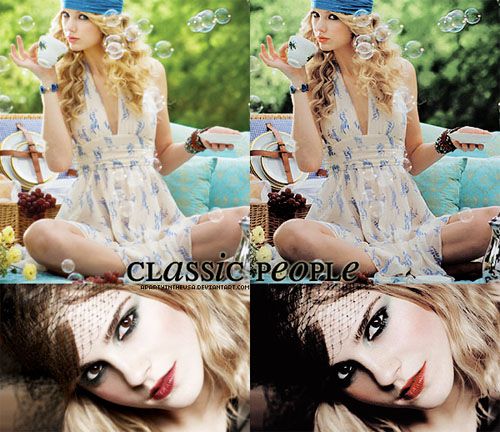
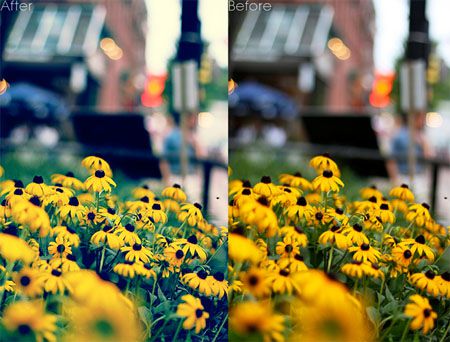
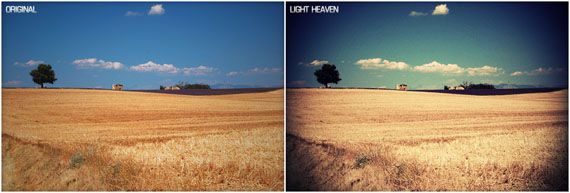
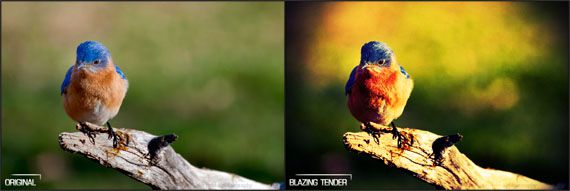
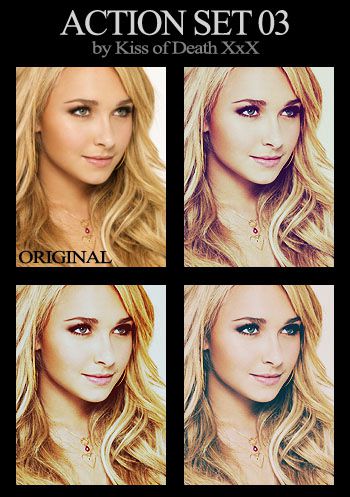
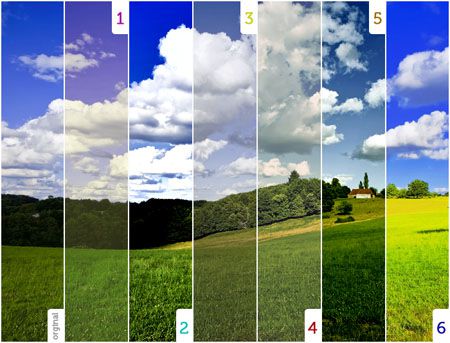
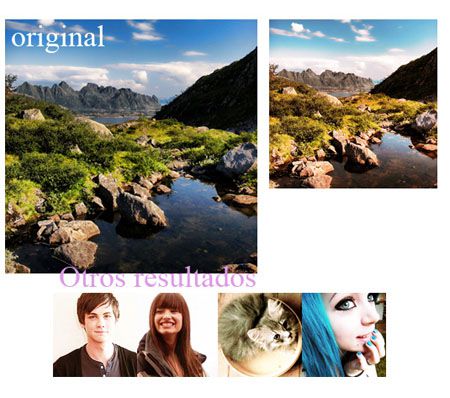
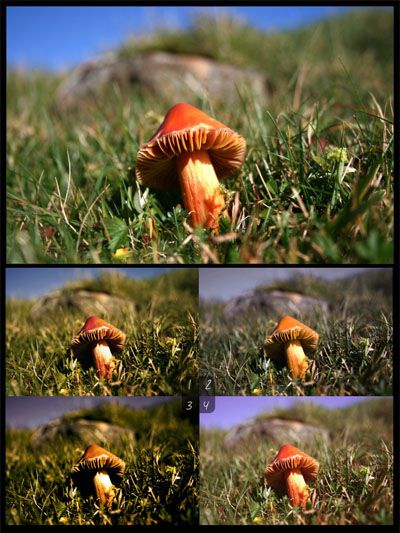
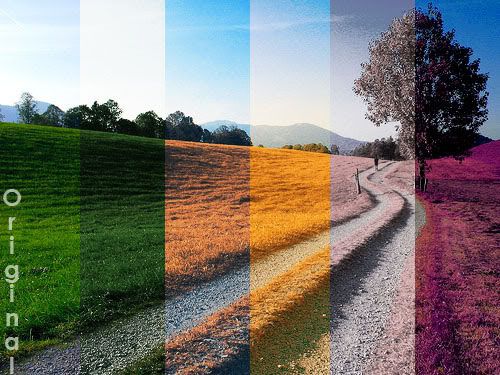
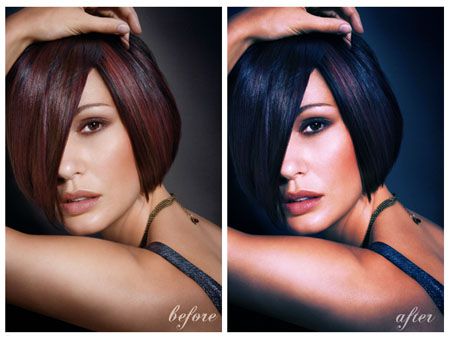
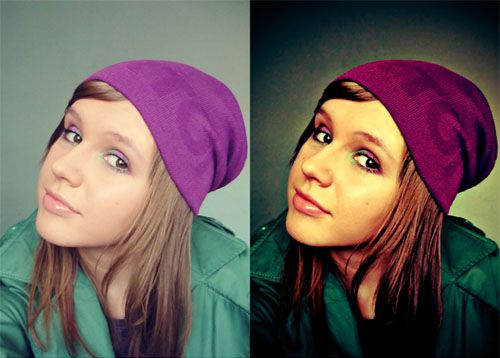
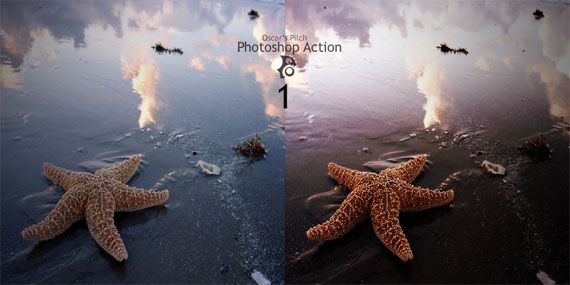
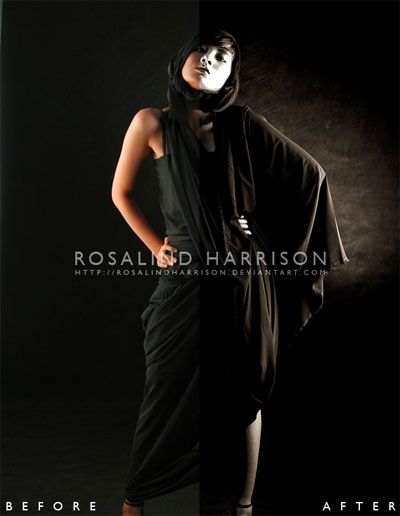
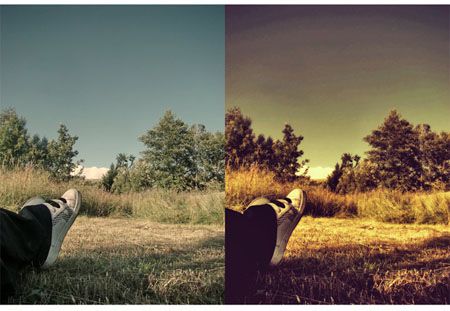
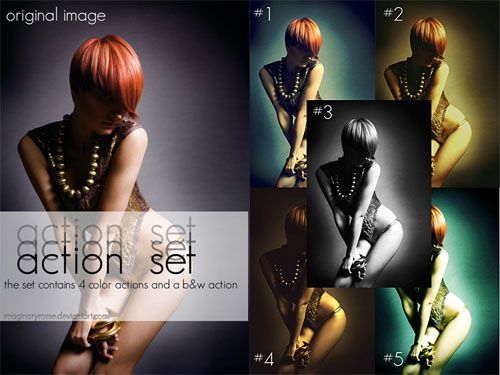
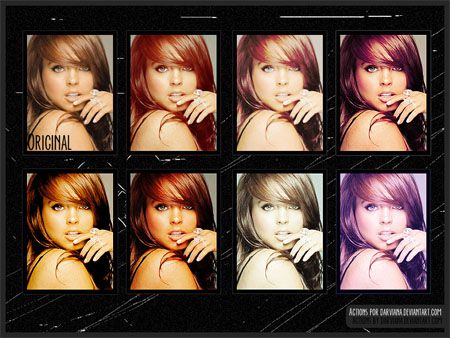
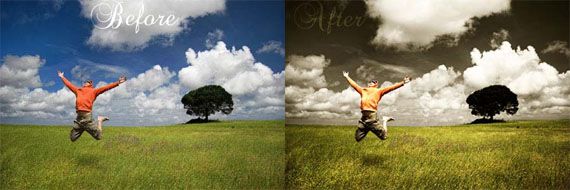
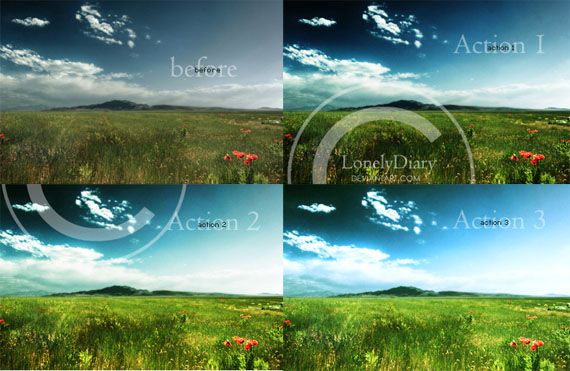
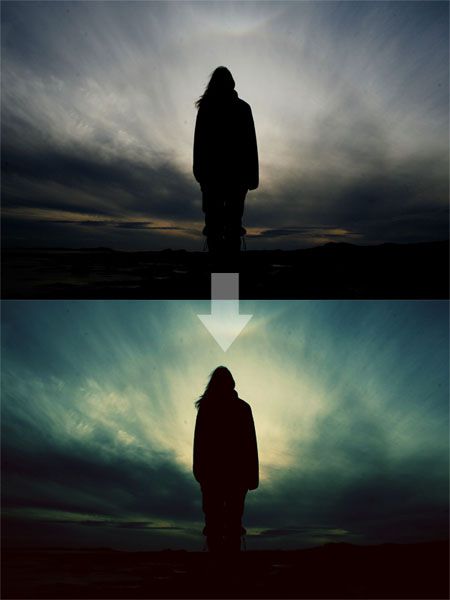
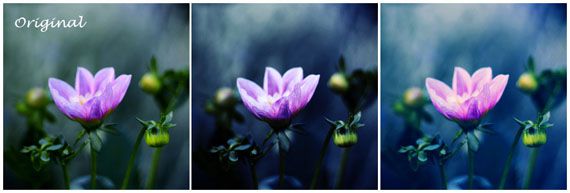
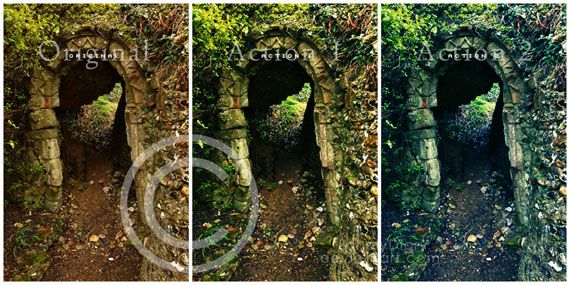
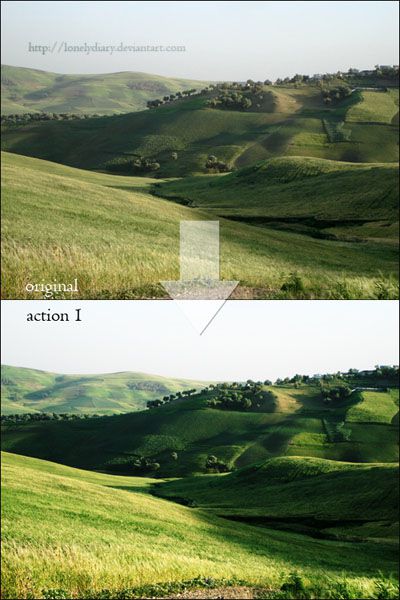
In this round up, we have put together a useful collection of some time saving and free Photoshop Actions for creating visually appealing vintage effects. We hope that you will find these Actions useful for your work.
Creating Photoshop Actions is very easy. You only have to open up the Actions palette in Photoshop then you can click on the New Action button as seen in the picture.
A new window will open that gives you different options for creating Photoshop Actions. Now, name the Action and place it in a set. For quick access, you can create a shortcut to your created Action. This shortcut will help you activate your Action quickly. Creating shortcut to your created Photoshop Action will save your time.
Now, click on the “Record” button and your desired Action will start recording. One thing to keep in mind here is that steps like selection sizes, saving and other specific steps will be duplicated exactly. Therefore, be careful and keep your step generic so that you can apply your action to a vast variety of images.
Click on the Stop button that is present in the Action menu. You can click the Play button if you want to apply the Action to another file.
You can easily install Photoshop Actions and there are many ways to do it. The simplest one is to drag the downloaded actions into the “Actions” folder present in Presets folder in your Photoshop application folder. In order to finish the installation process you need to restart your Photoshop application.
Another way to install Photoshop Actions is to use the little arrow on the right of the actions menu and click Load Actions option.


Conclusion
In this collection, you have seen some useful and time saving Photoshop Actions for vintage effects. With these Photoshop Actions, you can easily and quickly create amazing vintage effects in your artwork. We hope that you like this collection. Let us know what you think. Enjoy!
Get The Only Freelancer crash course you will ever need to read!
Aquil Akhter is a professional graphic designer and photographer who has been in the graphic design business for almost 8 years. He also runs the blog webdesigncore.com which focuses on free web resources and inspiration for designers and developers.
Tuesday, October 16th, 2012 06:26
Unfortunetlly Vintage Summer Action is not free :/
Saturday, October 13th, 2012 14:14
Great vintage and old photo styles, this is exactly what I was looking for…
Saturday, October 13th, 2012 02:13
That’s too hot, these are going to save alot of people alot of time, thanks for post
Friday, October 12th, 2012 12:37
Very nice collection. But is it me or nr. 3 is not free? It has a link to other page where it asks for 10$.
If not, then it's time to learn how to:
You can trust 1stWebDesigner to help you become a better web designer!
- Jacob Cass | Just Creative
Just enter your name and email below and click Get Updates!
Fiti
Saturday, October 13th, 2012 02:13
That’s too hot, these are going to save alot of people alot of time, thanks for post
Matt
Friday, October 12th, 2012 12:37
Very nice collection. But is it me or nr. 3 is not free? It has a link to other page where it asks for 10$.
Criar
Monday, October 15th, 2012 13:44
thanks for post! i loved it!!
Marcin Górski
Tuesday, October 16th, 2012 06:26
Unfortunetlly Vintage Summer Action is not free :/
Tanveer
Saturday, October 13th, 2012 14:14
Great vintage and old photo styles, this is exactly what I was looking for…