However, with thousands of Android apps available to download, it can be hard to choose the most useful.
To help you out, we have collected 25 Android apps that you shouldn’t miss out on as a designer, developer or freelancer.
1. Adobe Photoshop Express
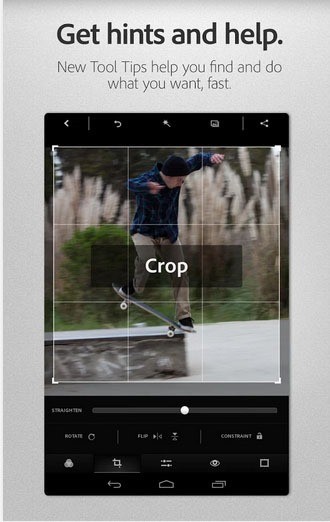
This is a free Android app for your smart phones and tablets. It is a very proficient image editor for making quick edits. Many of its features include:
- On-the-go photo editing
- One-touch adjustment for contrast
- One-touch filters
- Snap. Edit. Share. Smile. Photo magic.
2. Color Mood Designer
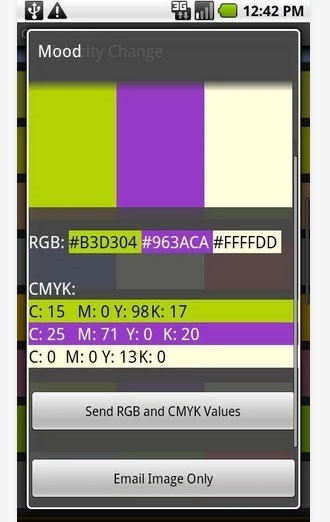
This app helps you to find the right color combinations.
- Quickly finds the best color combination for your design
- Brings multiple color swatch books to your meetings without carrying laptop
- Compatible with all android devices
The app can be downloaded as demo version for free and the full version can be purchased for US$3.00.
3. iFont(Expert of Fonts)
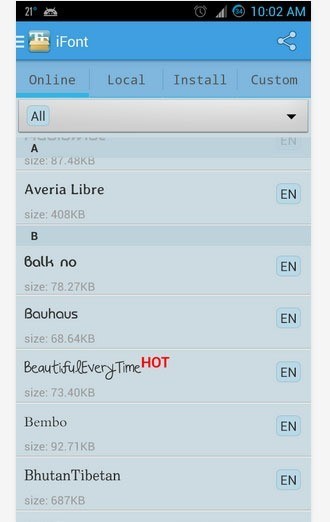
This is a free app which is designed to install beautiful fonts on your phone. It allows you to download hundreds of fonts directly to your phone. You can choose from a large list of fonts, preview them and even compare them to get the best one.
4. DroidEdit Pro (code editor)
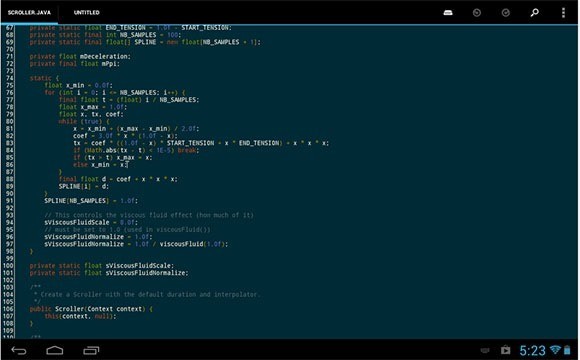
This app is a text and source code editor for mobile phones and tablets. It is useful for the new generation tablets that have external keyboards. Many of its features include:
- Syntax highlighting for several languages
- Several color themes
- Configurable shortcuts
- Dropbox support
The app is available for US$2.94.
5. Toggl Time Tracker
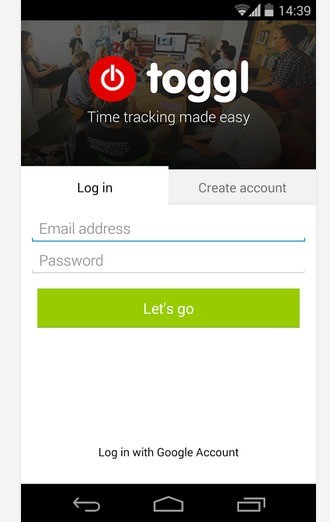
This app is a simple and convenient time tracking on the go. For all the freelancers that work by hour, this is the best app to download. Track your daily routine and know how much time you spend on each task. The app is free to download.
6. Evernote
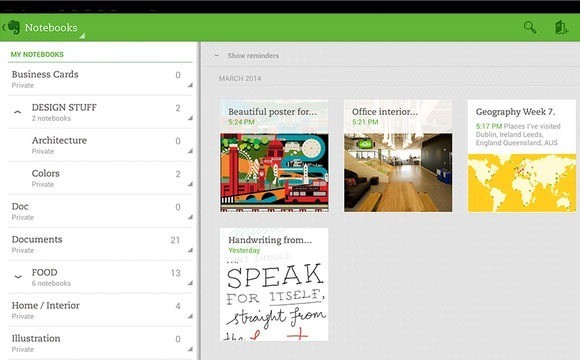
Evernote is a very handy app for freelancers.
- Save notes at any times during the day
- Save pictures and voice recordings as notes and annotations
- Sync all of your notes across your computers and devices
The app can be freely downloaded from the Google Play Store.
7. WordPress
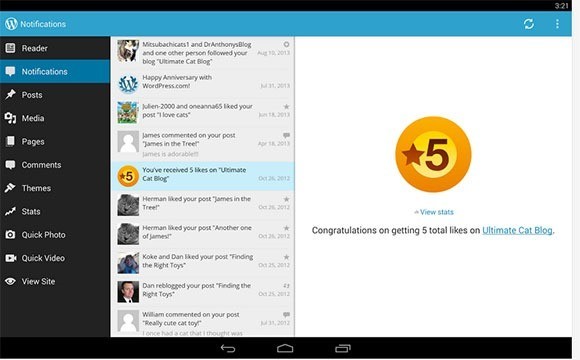
With WordPress on your phone and tablets, you have the power to publish. The app makes it very easy to create and consume content. You can write, edit and publish posts to your websites. You can download this app for free.
8. Image Shrink Lite (Resizer)
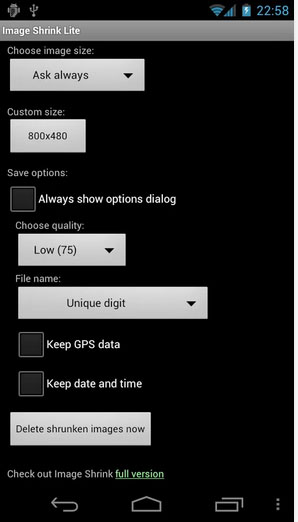 This app is very helpful for designers in quickly resizing the images. You can also share and send the images through it. Many of its features include:
- Automatic rotation according to Exif tag
- Batch resizing of multiple photos (for full version)
- One click deletion of resized photos created before
9. Programmer Keyboard
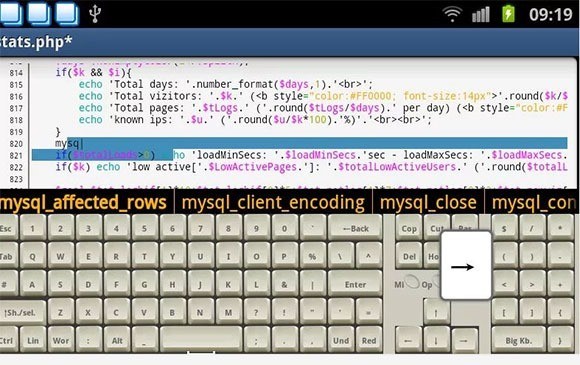
Programming can be very hard for many developers if done on phones.
- Has a full QWERTY keyboard and code completion
- Includes many important keys that our phones don’t support such as: CTRL, ALT, and Arrow keys
You can download this app for free.
10. Syntax Highlighted Code Editor
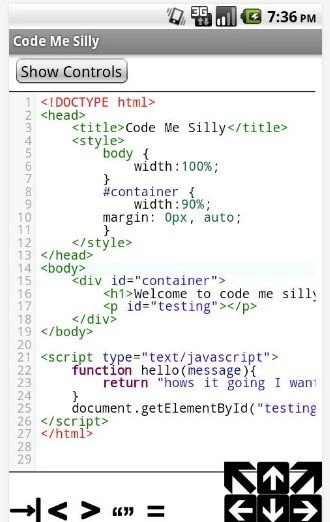
This is one of the favorite apps for developers and programmers who like to work through the phone.
- You can edit HTML, CSS, PHP, C/C++, and JavaScript.
- You can create a whole website from your phone or tablet.
- It gives you the advantage of not having to deal with an FTP server all the time.
The app is free to download.
11. Fontest
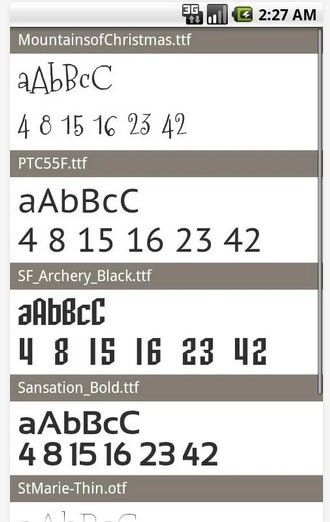
Fontest is a free developers and typography tool that allows you to quickly preview your favorite fonts rendered on the Android. Many of its features include:
- 6 high quality free fonts
- Support for adding your own TTF and OTF fonts
- One-tap switch between uppercase and lowercase
12. Fresco Paint Pro
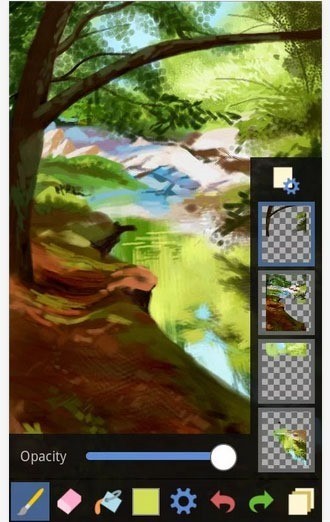
Fresco is a very easy-to-use painting app that features filters, layers and more.
- You can create digital artwork on your phone or tablet.
- With tons of brushes, Fresco brings a real drawing experience to your Android devices.
The app is available to download for US$3.55.
13. Skitch – Snap. Mark up. Send.
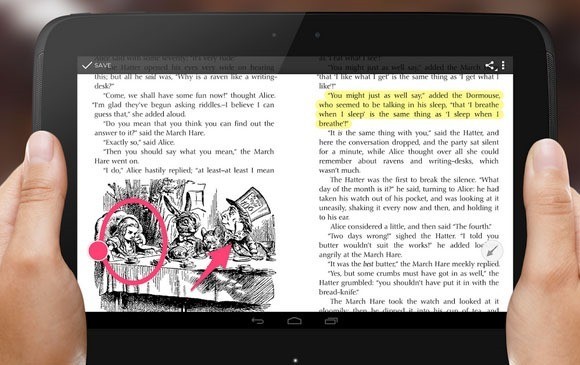
If you see something that gives you an idea, use Skitch to snap it, mark it up with simple tools and send it quickly. You can share your thoughts with others instantly. You can use Skitch for many reasons such as: Events, School, Home and for Fun. The app is free to download for your devices.
14. Skype
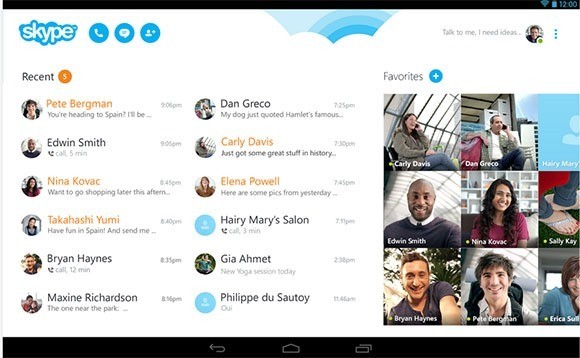
Skype is very useful for all freelancers. Millions of people use Skype to stay in touch with the people that matter the most. If you are working with other freelancers that are living on the other side of country or even world, Skype makes phone calls very cheap. The app is free to download.
15. TweetCaster for Twitter
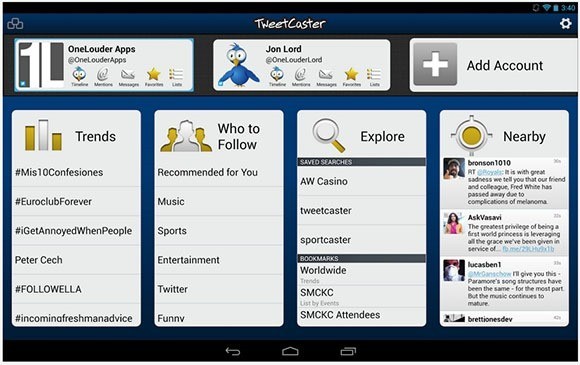
When you want to stay update with the most expert designs and topics from around the world regarding the Web, TweetCaster for Twitter is the app for it. You can use multiple Twitter accounts and post simultaneously on Facebook and Twitter. The app is free to download for your mobiles and tablets.
16. Typomapp – Navigate Typography
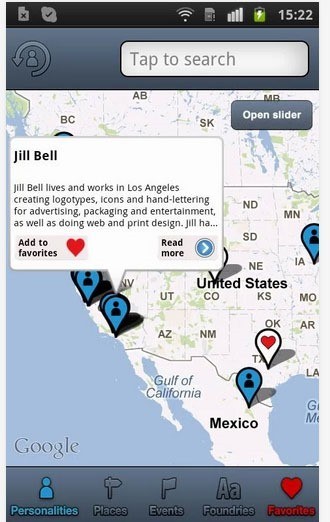
Discover new things about typography or organize your knowledge in the field of letters. Typomapp is a great approach to learning the art of typography. The app is updated continuously so that you can read new facts and figures about typography. The app is available to download for US$1.45.
17. HTML5 Guru
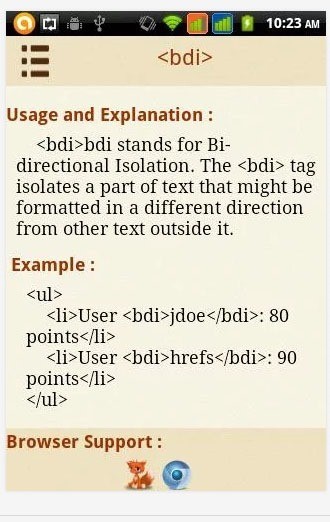
This app is especially designed for the beginners that are curious about learning the latest technology related to HTML5. The app also includes syntax with all the details and explanations regarding tags. The app is free to download for your Android devices.
18. Photo Illusion
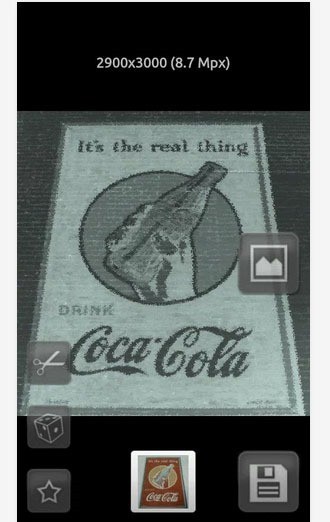
This is a picture app that allows you to edit photos with filters and effects.
- You can easily apply filters and many other effects on high-definition images
- It allows to you crop and rotate photos without losing the quality
The app is free to download; however, the Pro version is also available with many more features and no ads.
19. Google Analytics
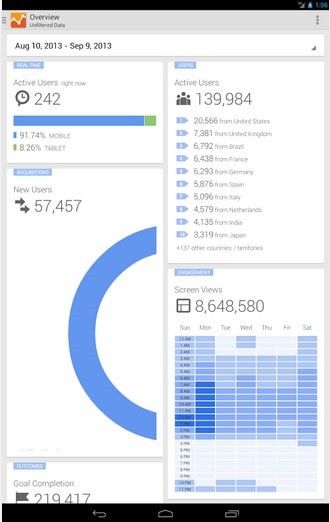
With this app, you can access all your Google Analytics Web and app reporting profiles through your Android devices. Get access to your analytical data from anywhere. Download the latest version of this app for free and keep an eye on your summary statistics from your home or office.
20. Adobe Edge Inspect CC
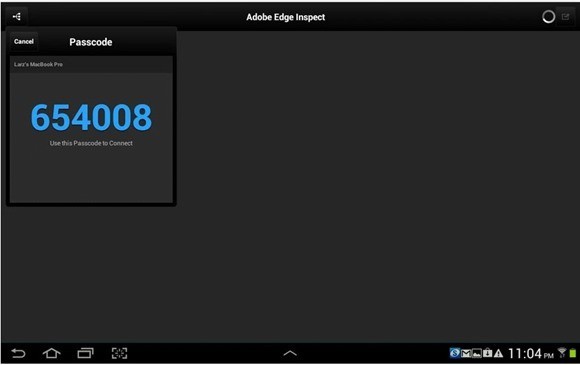
This app is purely for the web designers and developers who are looking to target mobile browsers. The app has many features including:
- Wireless pair multiple Android and IOS devices to your computer
- Sync browser with your computer
- Target a device for debugging, select an element in the DOM and make changes to your HTML markup
21. Color Touch Effects
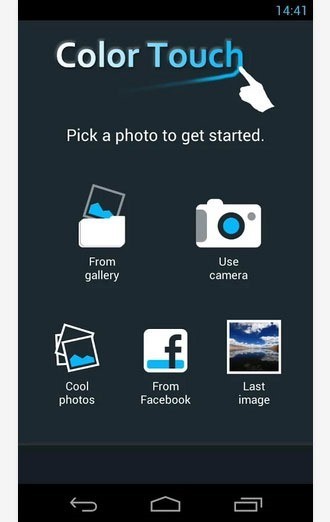
The app allows you to recolor images and apply cool effects to them. Select any image, turn it to gray or any other color that you want. Its features include:
- Easy to paint
- Two fingers zoom
- Splash various colors to your pictures with vivid colors
22. FxCamera – a free camera app
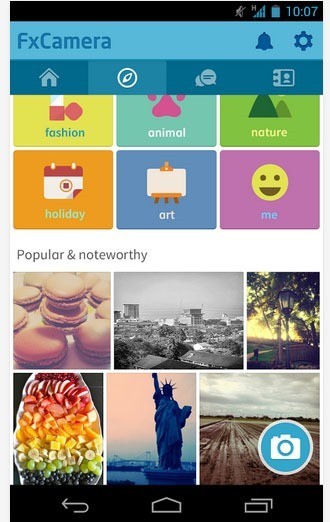
FxCamera is an easy and creative camera app for your Android devices.
- It has more than 30 filters to choose from.
- Share your photos among your friends and interact with people from all around the world.
- Instantly share your photos on the Twitter and Facebook.
The app is free to download.
23. AndFTP (Your FTP client)
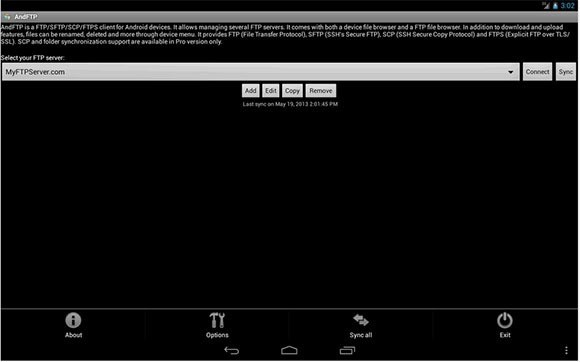
AndFTP is a FTP, FTPS, SCP, SFTP client. It can manage several FTP configurations. It can be used with both device and FTP file browser. It allows you to download, upload, sync, and share with resume support as well. The app is free to install on your devices.
24. Mindjet Maps for Android
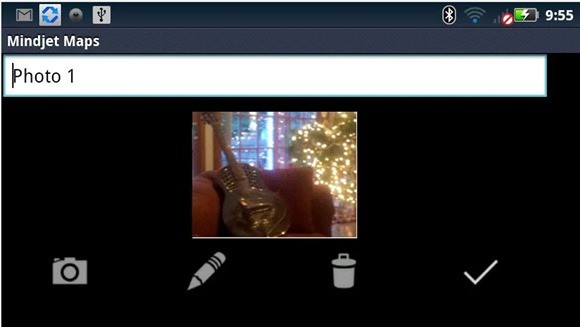
Mindjet is the best way to visually capture and organize information.
- Brainstorm your ideas, take down notes and track tasks from the convenience of your Android device.
- You can take your work with you and access it from your Android devices.
- You can also use keywords to organize and sort your Mindjet files.
The app is free to download for your Android mobiles and tablets.
25. TED
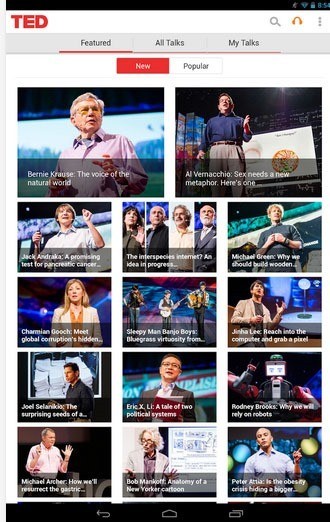
This is a must app for you, whether you are a designer or a developer. It presents talks from the most fascinating people around the world. The app is totally free to download and the talks include:
- Education
- Designing
- Business
- Music
- Medical
26. Creative Portfolio
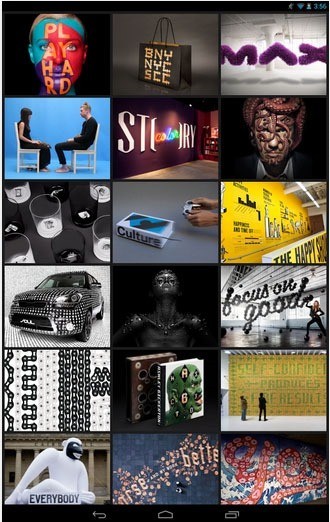
This is a perfect app for all the freelancers, designers and developers who wish to showcase their work to anyone without having any Internet connection. It allows you to customize your portfolio and decide what work you want to show and how you want to show it to the people. The app is free to download for your Android devices.
Finished!
So, this was the list for the 26 Android apps that you shouldn’t miss. All these apps are a must for designers, developers and freelancers. The list can go as far as you can imagine; however, I tried to present you the best apps that you should use.
This post may contain affiliate links. See our disclosure about affiliate links here.